
search cyberlink website user log-in change language
PhotoDirector 365 app icon

PhotoDirector 365

All-in-One Photo Editor

Get it on Google Play
PhotoDirector 365

A Complete Photo Editor with Generative AI Built In

Organize, adjust, composite, retouch, and create with AI: your whole photo workflow, in one app.

Free Download 
See all plans & pricing

ALL-IN-ONE Your Entire Photo Workflow in One App

Organize your photo library, develop RAW images, build layered compositions, retouch portraits, and create with generative AI, all in one app instead of two or three.

ORGANIZEPhoto Library

Import, tag, and sort photos with face-based smart collections.

ADJUSTPro RAW Develop

Fine-tune exposure, color, and tone with non-destructive RAW editing.

COMPOSITELayer Editing

Combine images, isolate areas, and refine layers and masks.

RETOUCHPortrait Tools

Realistically smooth skin, enhance facial features, and adjust body proportions.

CREATEGenerative AI

A full set of generative AI tools in a desktop photo editor.

AI AGENTS AI That Works With You,
Every Step of the Edit

Take control of your edits through simple conversation. Quick Actions can suggest common fixes, then you decide what to apply, refine, or change next.

GENERATIVE AI Create, Replace, and Restyle

Generate images from text, animate photos, and try on outfits, all within PhotoDirector.

GENERATIVE AI Animate, Swap, and Reimagine

Turn stills into cinematic shorts, swap faces, and replace objects in just a few clicks.

AI Model Lab

NEW AI Model Lab

Explore the latest AI models for text-to-image, image-to-video, and text-to-video creation. Compare results and choose the models that best fit your creative goals.

GPT Image-2.5 Nano Banana 2 Gemini Omni 1.1 Seedream 5.0 Seedance 2.5 Wan 3.0 Kling 3.0 & more

AI PC MODE NEW Create Your Way
Cloud-powered, or 100% on Your PC

PhotoDirector opens with a choice: run the high-volume work 100% on your PC, with no credits, private and offline, while the most demanding generative work runs in the cloud at top quality. Switch anytime from the top bar.

product feature
  • Unlimited Local Runs, No Credits
    Run supported AI features right on your PC's GPU, CPU and NPU, as much as you want, with no credits spent and no per-generation fees.
  • Private & Secure
    Work done locally stays on your device and works offline. Unreleased products, prices, and campaigns never leave your PC.
  • Cloud Where Quality Leads
    Video and the most demanding image models run in the cloud, in Full Feature Mode, using credits at PhotoDirector's highest quality.

Optimized for NVIDIA RTX Spark™ and Intel AI PCs, more platforms to be supported soon.

AI PC Mode on NVIDIA RTX Spark™

AI PC Mode on NVIDIA RTX Spark™

On NVIDIA RTX Spark™, PhotoDirector uses TensorRT-RTX to accelerate on-device AI. “CyberLink’s PhotoDirector AI PC Mode is one of the first applications to integrate these diffusion models directly into a creative software.” NVIDIA Blog, IFA 2026

AI PC Mode on Intel® Core Ultra

AI PC Mode on Intel® Core Ultra

On Intel® Core Ultra, PhotoDirector runs supported AI on the built-in NPU to accelerate on-device tasks while using less power. “Optimized for Intel® Core Ultra for two times more battery life.” Intel

FULL CONTROL Advanced Editing, Your Way

AI helps you start faster. Full photo editing tools let you finish with precision.

Layer, Mask, and Composite

Layer, Mask, and Composite

Build detailed edits with layers, masks, blending modes, and photo compositing tools.

Adjust Color, Tone, and Detail

Adjust Color, Tone, and Detail

Fine-tune exposure, HSL, curves, tone, sharpness, lens correction, and image detail.

Edit RAW, Batch Edit, and Manage Projects

Edit RAW, Batch Edit, and Manage Projects

Work with RAW files, apply batch edits, organize images, and manage larger photo workflows.

Free Download 

FIX AND ENHANCE Bring More Clarity to Your Photos

Improve image quality by reducing noise, correcting blur, enhancing color, and upscaling resolution with AI-powered enhancement tools.

REMOVE AND CLEAN UP Eliminate Unwanted Distractions

Remove people, objects, power lines, and backgrounds to create more focused compositions.

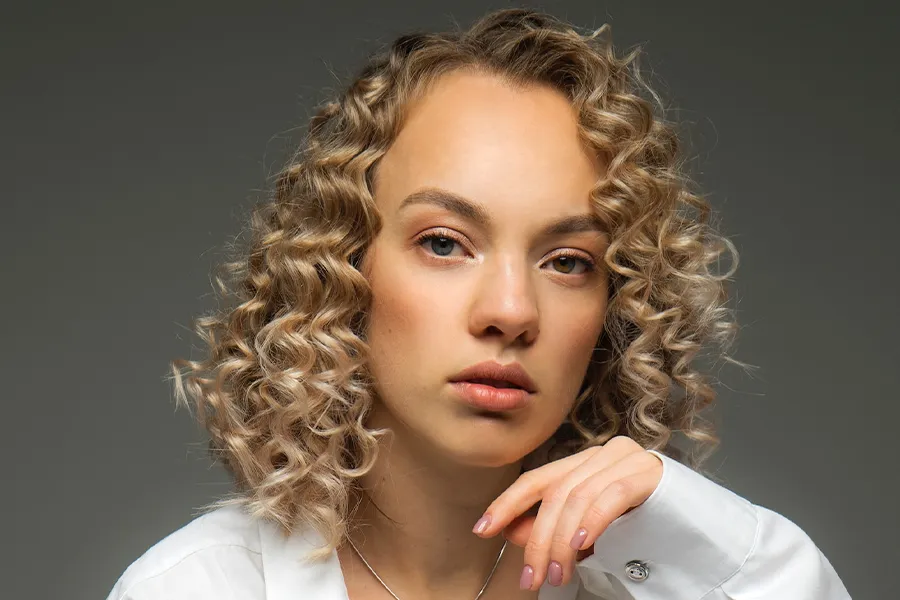
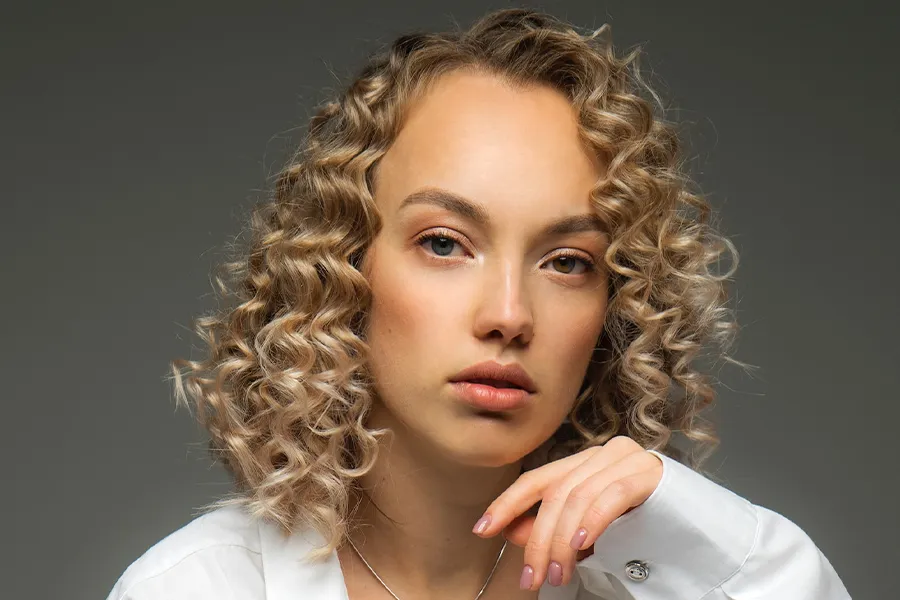
NATURAL RESULTS Portrait Retouching

Smooth skin, adjust facial features, and reshape body proportions with customizable tools.

Nose before Nose after
Arm before Arm after
Explore all AI-powered features

Trusted by Photo Editing Experts Editors' Choice, and Highly Rated

Top reviewers call PhotoDirector an all-in-one editor for organizing, compositing, and creating with AI, as well as an affordable alternative to the usual pro apps.

Photo Editing Frequently Asked Questions

PhotoDirector is advanced photo editing software powered by generative AI. It lets you create, enhance, and transform images with easy-to-use tools. Suitable for both beginners and experienced editors. Available for Windows and macOS.

PhotoDirector is best used for delivering professional, AI-driven image editing without the complex workflow of traditional software. Powered by generative AI, it is highly optimized for:

▶ Photographers & Hobbyists: Who need fast raw processing, advanced layer editing, and image upscaling tools.

▶ Content Creators & Vloggers: Who want to generate AI art, create avatars, and swap backgrounds for social media instantly.

Yes, PhotoDirector offers a 100% free version: PhotoDirector Essential with no time limits. You can use core editing tools and basic AI features forever without any subscription or payment. While advanced AI tools and select export options are restricted in the free version, you can upgrade to the paid plan anytime for full feature access.

Yes. You can choose between a PhotoDirector 2027 one-time purchase (lifetime license) or a PhotoDirector 365 subscription. The lifetime version provides perpetual access to core image enhancement and AI editing tools, while the subscription plan unlocks all new generative AI features, continuous updates, and unlimited premium asset downloads. For detailed information, visit our Compare Plans Page.

Yes, PhotoDirector is 100% safe. Developed by CyberLink, a publicly traded software pioneer since 1996, our software is strictly tested and virus-free. To guarantee absolute security and access to our 30-day money-back guarantee, always download directly from our official website or authorized app stores.

You can cancel your subscription anytime with no cancellation fees.

Log in to CyberLink Member Zone > Go to Manage Plan > Select your PhotoDirector 365 plan > Click Cancel Subscription.

After cancellation, your premium features will remain active until the end of the current billing cycle. Once expired, your account will automatically downgrade to the free Essential version, and your photos and projects will not be lost. For further assistance, please contact CyberLink Customer Support.

Online photo editors are great for quick tweaks, but photo editing software like PhotoDirector delivers unmatched performance and feature depth:

▶ 100% Offline Editing: Work instantly without file uploads, internet bottlenecks, or server delays.

▶ Instant AI Tools: Remove objects and replace backgrounds in seconds.

▶ Pro-Level Freedom: Edit with high-fidelity RAW support and multilayer precision.

▶ High Efficiency:Accelerate your workflow with powerful batch editing and portrait retouching.

PhotoDirector is the best photo editor for beginners because it combines an intuitive, clean interface with automatic AI tools that eliminate the steep learning curve.

This all-in-one software offers non-destructive editing, allowing newcomers to experiment safely. Beginners can achieve professional-quality photo enhancements and creative AI art instantly without complex technical skills.

PhotoDirector is a top choice for photographers, merging precise manual controls with automatic AI enhancements. This software delivers a complete editing experience, including AI Face Swap and AI Image to Video, eliminating the high cost and steep learning curve of traditional, complex platforms.

Yes. PhotoDirector is fully optimized for Windows 11 / 10 and macOS, allowing users to download the corresponding version based on their operating system.