search cyberlink website user log-in change language
PowerDirector 365 app icon

PowerDirector 365

Powerful Video Editing

Get it on Google Play Download on the App Store

What’s New in PowerDirector 365: 2025 Updates

Our latest releases including brand new features, effects packs, templates & more!

Filter updates by type

New Features

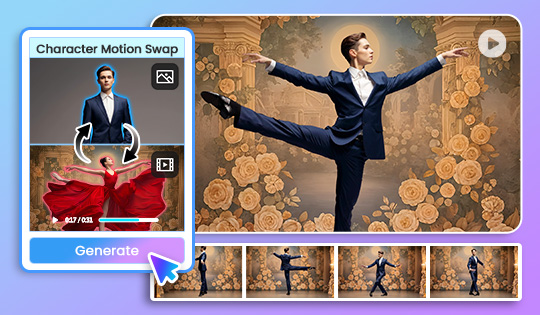
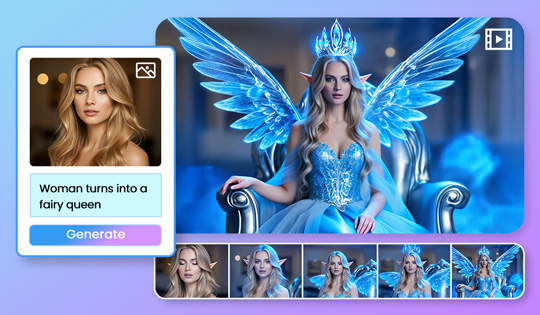
AI Video Generator: Character Motion Swap

Animate a photo by applying motion and lip-sync from a reference clip. Use “Keep Photo Background” to bring portraits or virtual hosts to life, and “Keep Video Background” to replace characters inside a scene for business demos or story-driven clips.

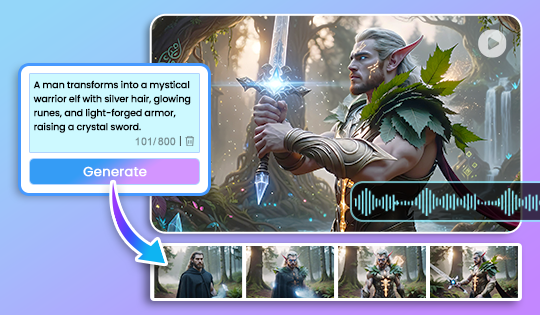
AI Video Generator Upgrade

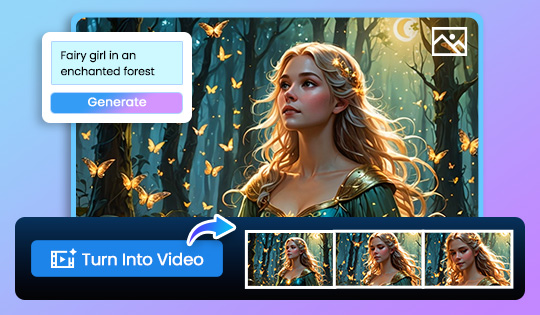
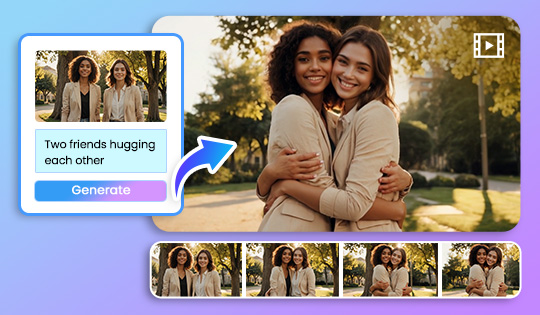
Transform text or images into cinematic clips with upgraded AI generation. Add expressive motion, realistic atmosphere, and mood-matched audio, including optional spoken dialogue, for immersive, film-quality storytelling.


New Features

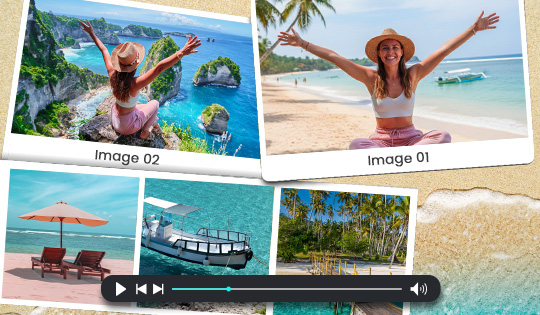
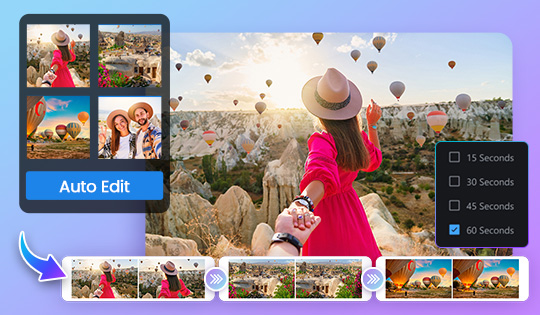
Auto Editing- Photo Collage Templates

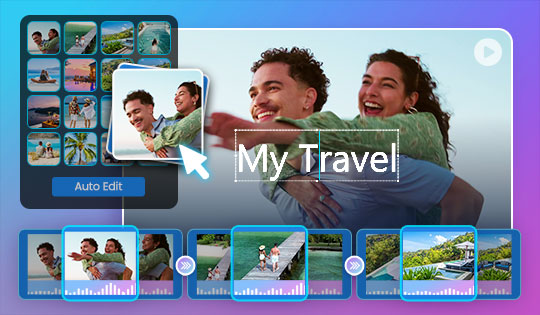
All-day events often leave you with countless photos and clips. Auto Edit curates your standout moments and now weaves in photo collages, crafting a dynamic, visually diverse video that relives memories with polished layouts and a richly told story.

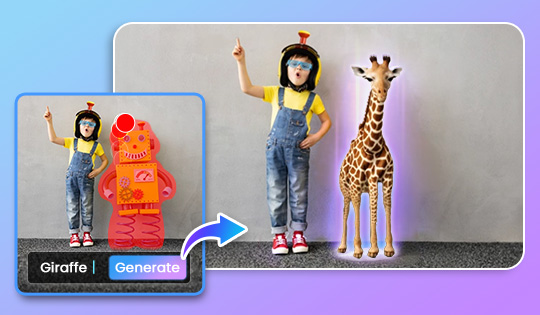
AI Replace

Brush over any object in your photo and instantly replace or remove it directly in your PowerDirector project. Swap outdated logos, clear distractions, or fix product shots, and use the result immediately on the video timeline.

Enhanced Text to Video

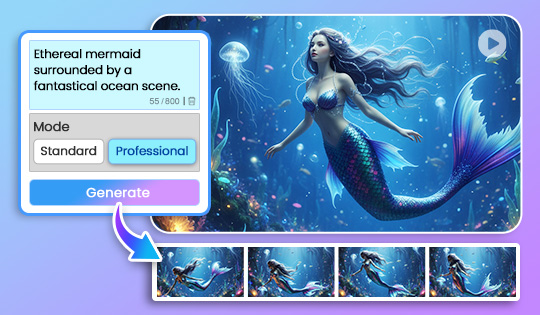
Clearer prompt handling, stronger visual understanding, and versatile outputs now apply across every generation, giving Standard mode the speed and flexibility to handle everyday projects with ease. When projects demand heightened realism or fidelity, the new Pro mode adds an extra level of refinement.

Enhanced Subtitle Editing

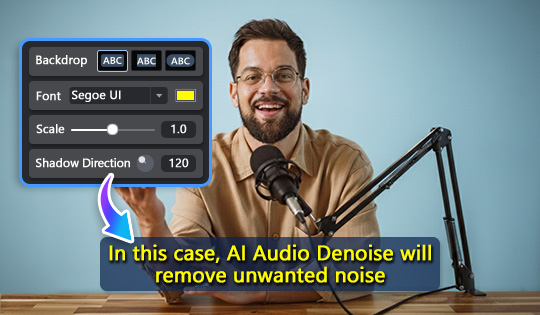
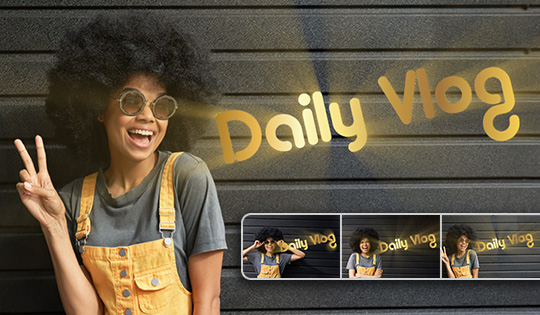
Keep subtitles clear on any scene. Add backdrops so text stays readable across fast cuts and shifting backgrounds. New styling options ensure captions remain visible throughout your tutorials, Vlogs, and presentations, so audiences never miss crucial dialogue or information.


New Features

Enhanced Auto Editing

Turn hours of footage into highlight reels that hit the mark. Upload up to 100 clips and let AI find your best moments, weaving them into a seamless story. Choose from 15, 30, 45, 60, or 90-second reels, or let AI craft a longer cinematic cut from all your clips.

Expanded Tools for Toolbar

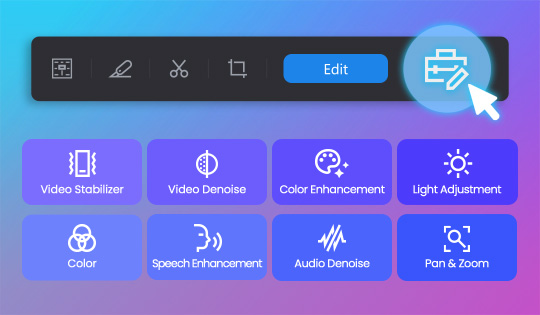
Add even more editing tools to your customizable toolbar. We’ve expanded the set based on what people use most, so you can build a personalized workspace that keeps your essentials close and your edits flowing.


On-Trend Content Packs

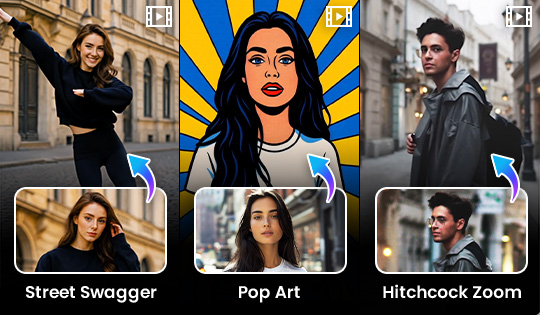
New AI Image to Video Templates

Transform photos into eye-catching videos with styles like Street Swagger, Pop Art, and Hitchcock Zoom.

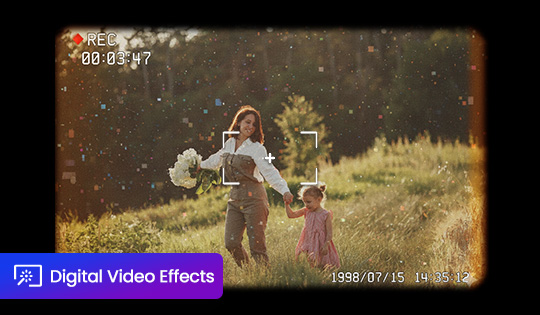
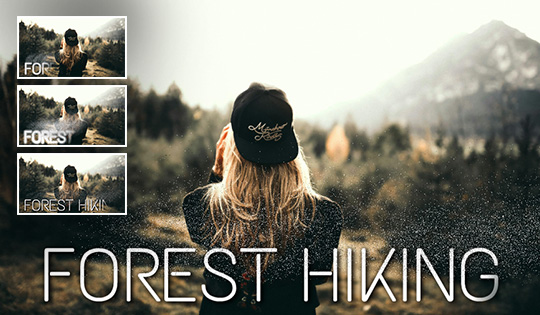
12 Retro Digital Effects

Bring back the 90's and 2000s with classic digital camera looks, complete with REC markers, pixel textures, and nostalgic noise for authentic throwback vibes.

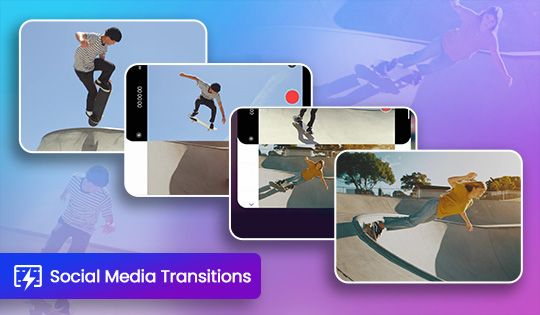
11 Social Media Transitions

Stylish transitions made for social platforms. Featuring swipes, cuts, and motion effects to add polish and keep viewers engaged.


New Features

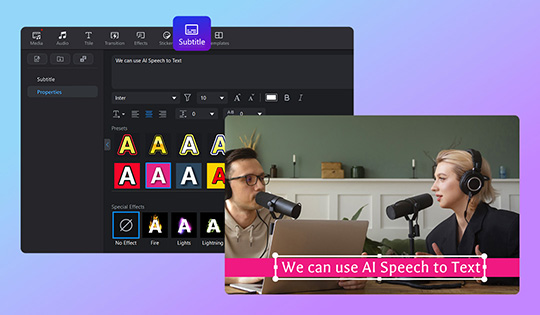
Revamped Subtitle Room

Enjoy enhanced control with richer text options, new style templates, and full customization to bring your subtitles to life.

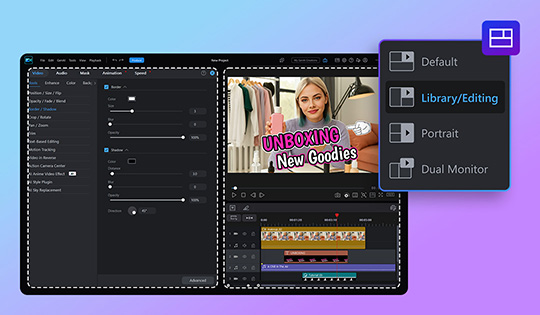
Library/Editing Mode

Experience an expanded, optimized panel that streamlines your workflow. Fine-tune every detail with greater precision, flexibility, and control for even the most demanding projects.

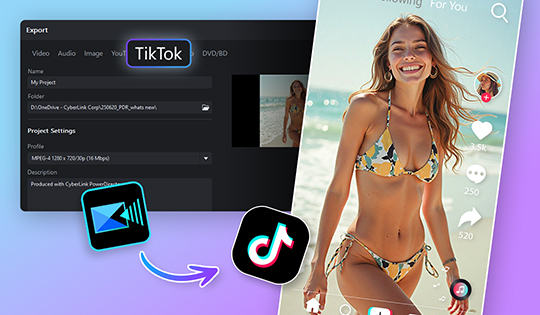
TikTok Sharing Made Easy

Share to TikTok faster than ever with automatic format detection, ensuring your videos always meet platform requirements flawlessly.

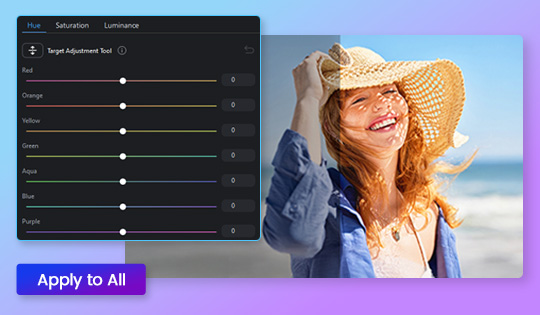
HSL Color Adjustment Controls

Independently adjust hue, saturation and luminance for specific color ranges such as skin tones, skies or foliage. Achieve natural balance and preserve detail across highlights and shadows.

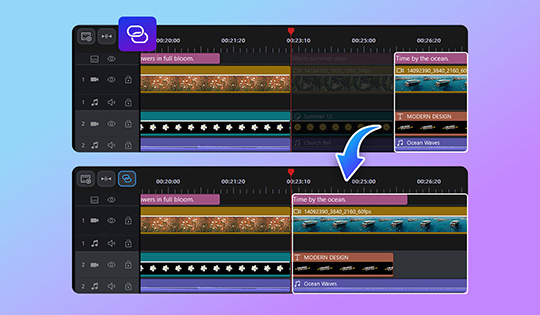
Ripple Editing

Trimming or deleting a clip now auto-adjusts any aligned elements, like subtitles, titles, stickers, and background music, with no manual realignment needed. Everything remains in sync and your timeline stays clean.


On-Trend Content Packs

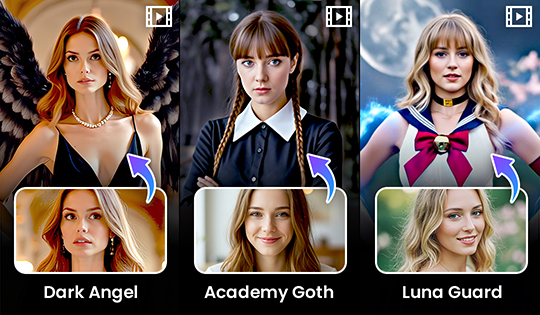
New AI Image to Video Templates

Bring your creations to life with stunning new themes: Dark Angel, Academy Goth , and Luna Guard. Each template effortlessly transforms your images into captivating videos.

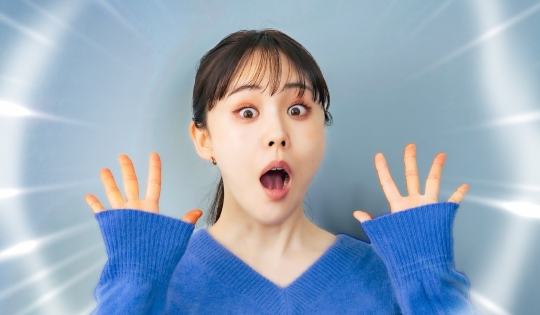
12 Variety Show Effects

Recreate your favorite variety show moments with these showstopping effects.

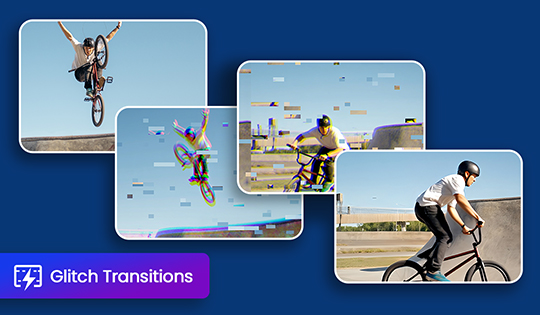
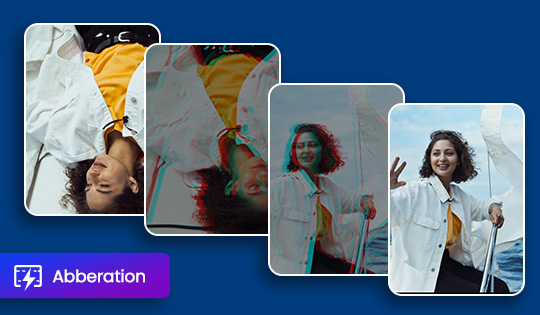
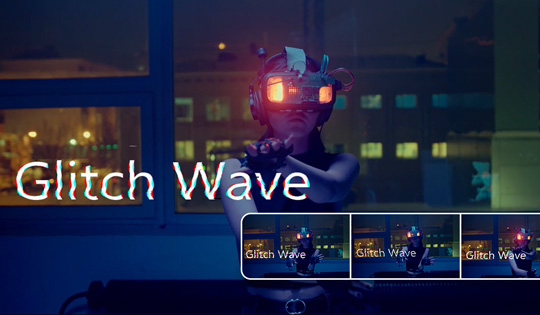
10 New Glitch Transitions

Add dynamic energy and bold, edgy style to your edits with 10 fresh glitch effects that make every cut pop.

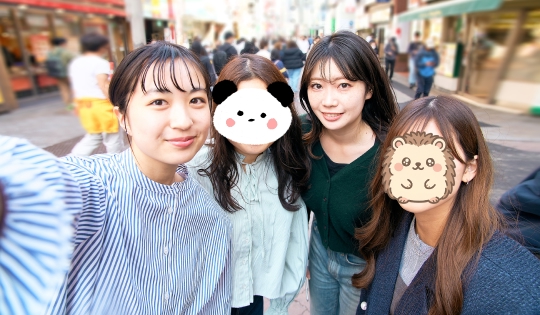
9 New Face Cover Stickers

Add playful privacy and stylish flair with 9 unique Japanese-inspired stickers, perfect for fun and creative edits.

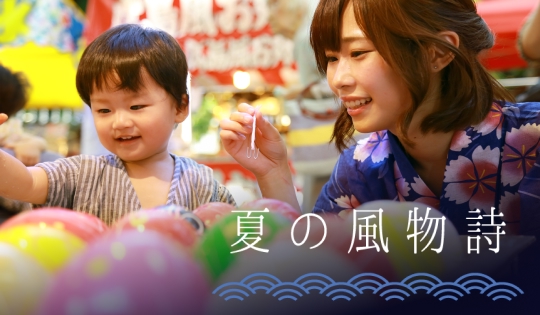
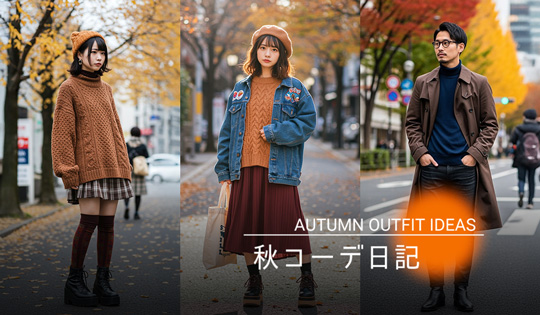
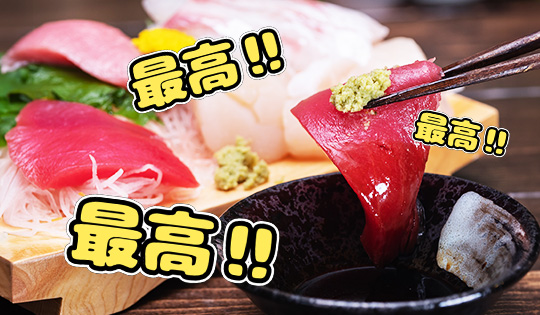
10 New Japanese Titles

Elevate your edits with authentic Japanese- style titles that bring elegance, cultural flair, and distinctive character to every story.

20 New Plain Text Titles

Create sleek, modern stories with 20 fresh minimalist titles designed for clean, impactful, and polished edits.


New Features

Smarter Auto Edits With Full Control

Adjust video length with ease and take full control of captions. Add, edit, or remove text directly in your video. These upgrades make it simple to fine-tune highlight reels or break long clips into digestible scenes.

Enhanced LUT Editing

Apply a consistent look across multiple clips by adding LUTs directly to the effect track. Dragging a LUT onto empty timeline space no longer creates a new track, so your workflow stays clean, simple, and focused.

Motion Graphic Overlays Quick Editing

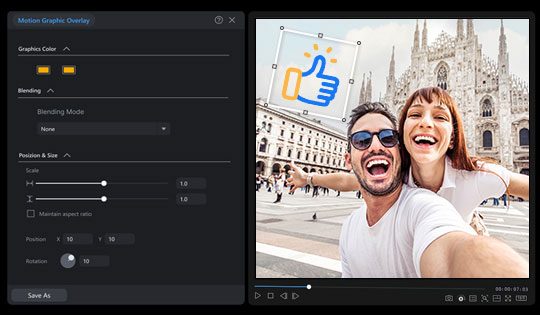
Motion Graphic Overlays now support quick editing, letting you adjust them directly in the main editing window for a more intuitive editing experience.

Image to Video Upgrade

Image to video generations are now more powerful and stable than ever, delivering smoother, higher-quality video generation. Enjoy improved performance that brings your creative ideas to life with greater reliability.


On-Trend Content Packs

10 New Neon Motion Titles

Light up your edits with 10 vibrant, neon title templates.

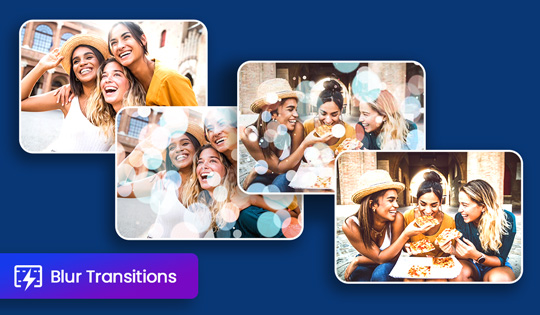
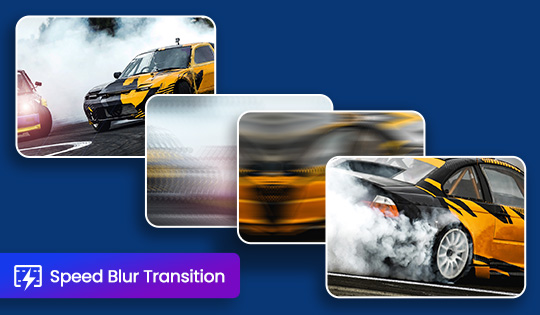
10 New Blur Transitions

Create smooth, seamless flow with new transitions, ideal for any type of video.

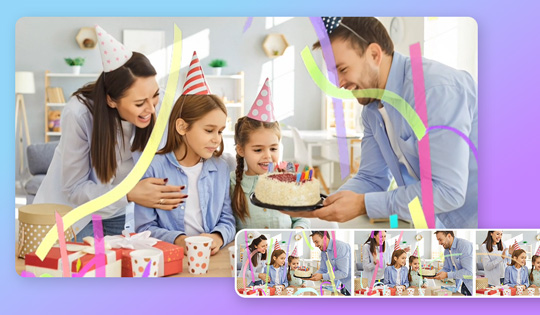
12 Party Effects

Add instant energy to your shots with 12 vibrant party-themed effects. Perfect for nightlife, celebrations, and fun social moments.

20 New Arrow Stickers

Direct attention with bold animated arrows, perfect for callouts, highlights, and tutorials.

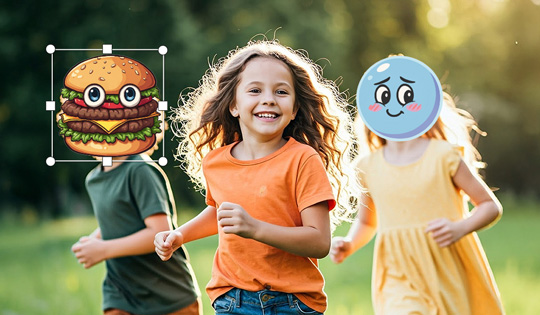
33 New Face Cover Stickers

Maintain anonymity in your videos with a fresh collection of face cover and mosaic stickers.

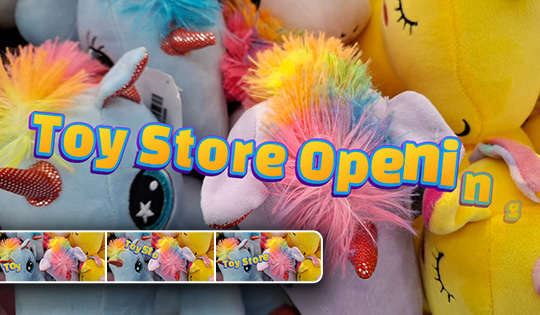
12 New Title Animations

Add dynamic flair to your videos with 4 in-animations and 8 loop animations.

6 Jeju Filters

Transform your videos with filters inspired by Jeju Island’s serene coastlines and lush landscapes, capturing its unique light, colors, and tranquil atmosphere.

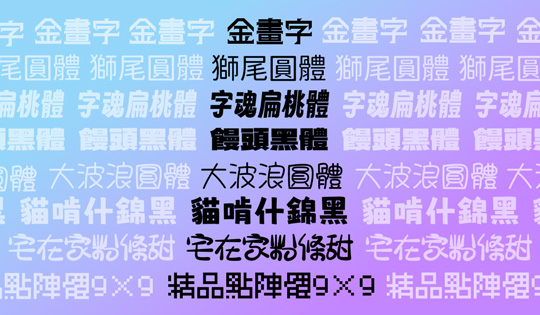
New Fonts

Expand your collection with newly added fonts for Japanese and Chinese, enhancing your editing projects.


New Features

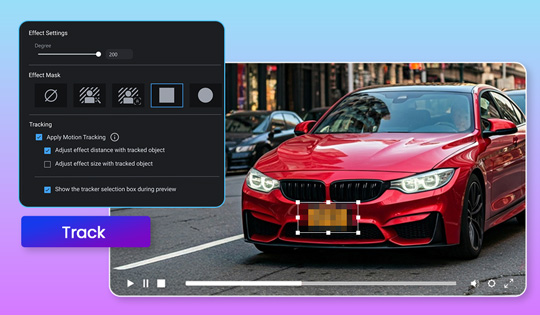
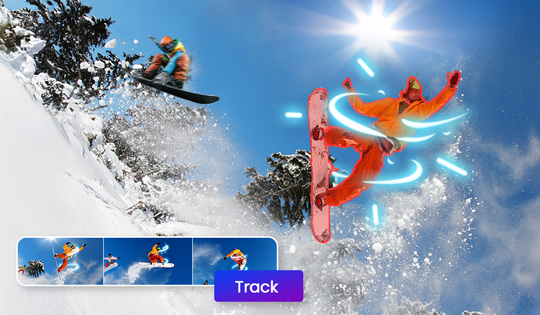
Video Effect Motion Tracking Support

Easily attach video effects like blur and mosaic to moving subjects with motion tracking support.

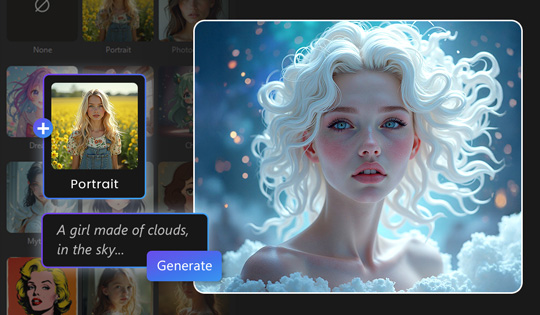
AI Image Generator Upgrade

Enjoy sharper detail, richer textures, and more accurate prompt results. This upgrade enhances image quality across the board, especially when using style templates, making every generation stand out with unique, artistic flair.

AI Object Mask

Automatically detects all objects in your video and lets you choose exactly which one to isolate, even in scenes with multiple subjects. Enjoy faster, more targeted masking for precise editing control.


On-Trend Content Packs

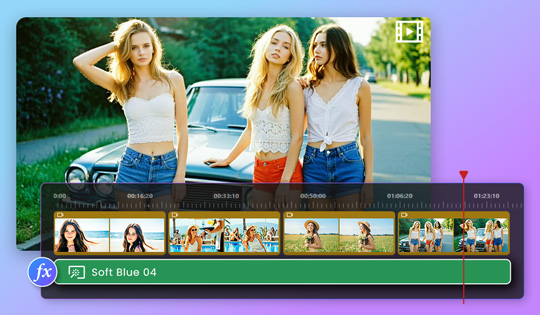
6 Soft Blue Filters

Apply gentle blue light effects to create a calm, dreamy atmosphere in your videos.

10 Minimalist Japanese Motion Titles

Add a touch of refined simplicity to your videos with 10 clean, stylish Japanese-inspired title templates.

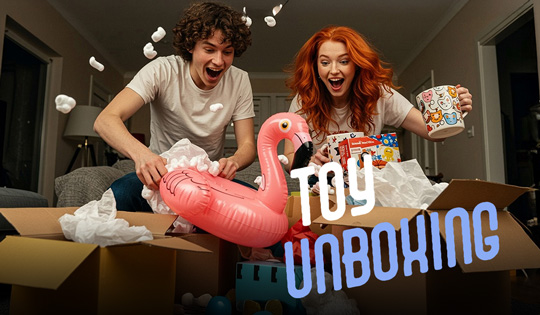
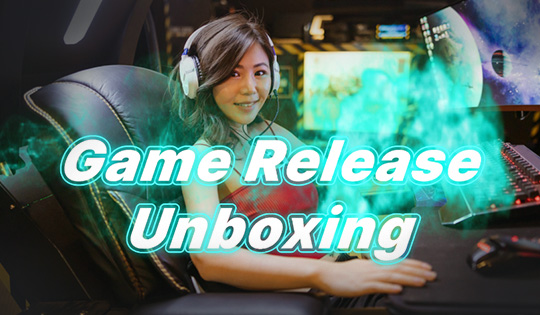
10 Unboxing Motion Titles

Create engaging unboxing videos with 10 dynamic title templates designed to highlight products and build anticipation.

20 New Arrow Text Motion Titles

Direct attention with 20 bold arrow title templates designed for clarity and impact. Ideal for tutorials, highlights, or any content that needs a visual cue to guide viewers.

12 Transitions With Sound Effects

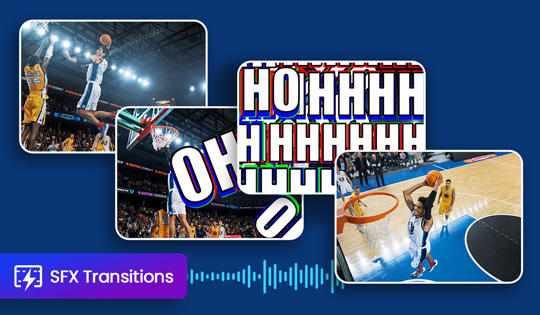
Enhance your edits with 12 dynamic transitions paired with matching sound effects, such as a camera-snap or film rolling. Perfect for adding energy, emphasis, and seamless flow between scenes.

10 New Shape Transitions

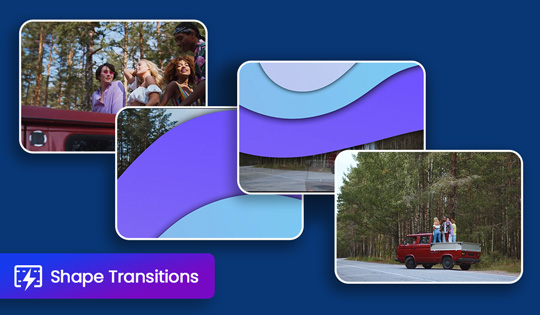
Bring a modern edge to your edits with 10 creative shape-based transitions. These geometric movements add a polished and dynamic touch to every scene change.


New Features

Auto Edit: Instant Video Creator

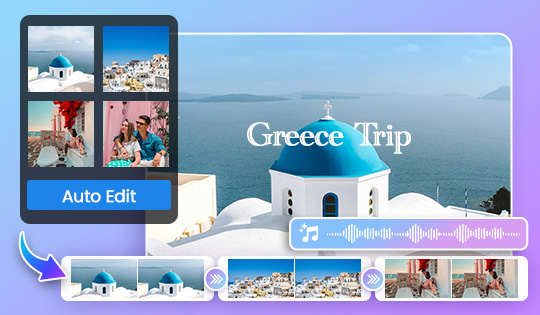
Turn your photos and clips into share-worthy videos in seconds. Automatically highlights the best moments, adds captions, and matches it all with music in styles that suit your vibe.

Updated AI Voice Translator

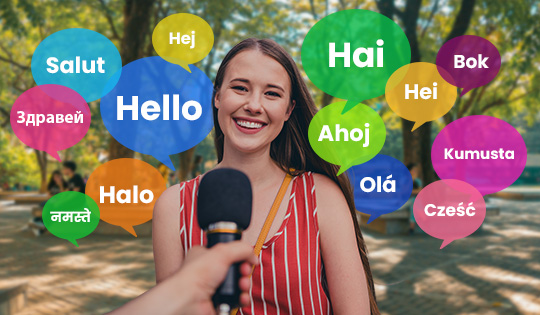
Break down language barriers with the ability to instantly translate and adapt voices into 19 new languages.

Easily Turn AI Images to Videos

Craft your ideal image with AI Image Generator, then use the new shortcut to instantly turn it into dynamic video content with AI Video Generator.


On-Trend Content Packs

40 Arrow Text Motion Titles

Guide your viewers' eyes with 40 arrow motion titles, perfect for reviews, tutorials, and more.

20 Typing Text Motion Titles

Add realistic typing animations for intros, messages, tutorials, and personal text effects.

40 Colorful Japanese Title Templates

Enhance your videos with 40 vibrant Japanese titles for bold, energetic style.

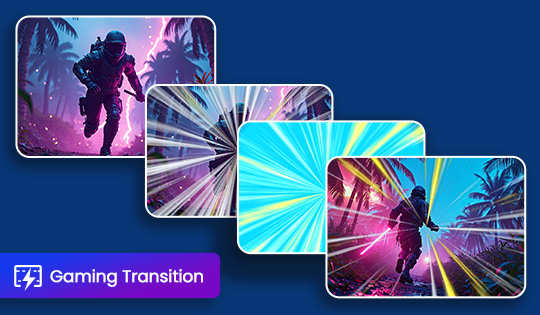
10 Epic Gaming Transitions

Level up your edits with 10 gaming-style transitions, perfect for gameplay, streams and bold cuts.

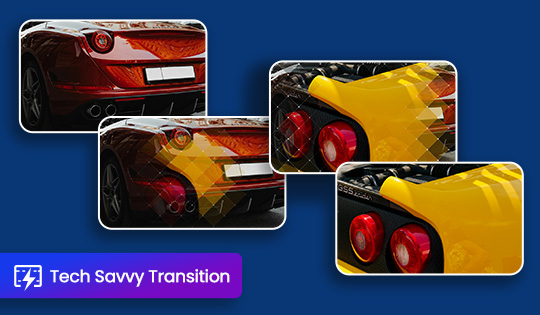
10 Tech Savvy Transitions

Enhance your edits with 10 tech-inspired transitions for reviews, unboxings, and demos.

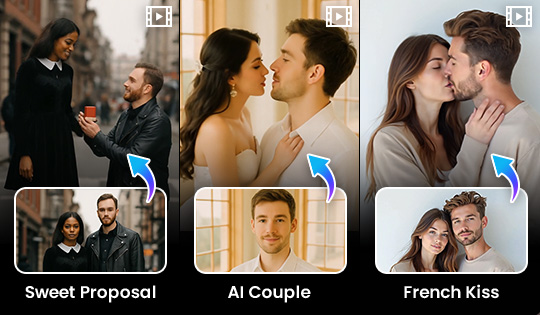
New AI Image to Video Templates

Turn still moments into cinematic motion with one click. From romantic French Kiss scenes to dynamic Body Shake moves, each template adds emotion, energy, or attitude to your image.


New Features

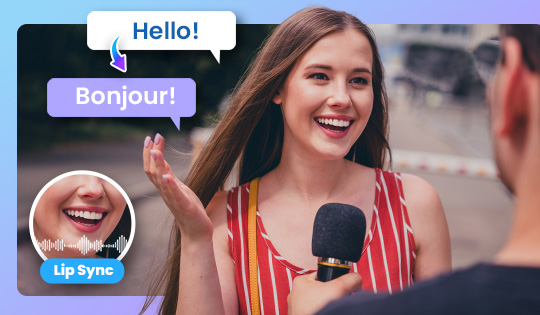
AI Voice Translator With Lip Sync

Translate and clone your voice, then achieve seamless communication with lip-sync to match facial movements for a native-speaker appearance.

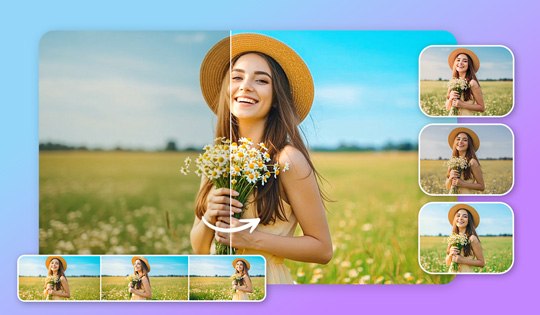
AI Video Enhancement: Denoise & Lighting

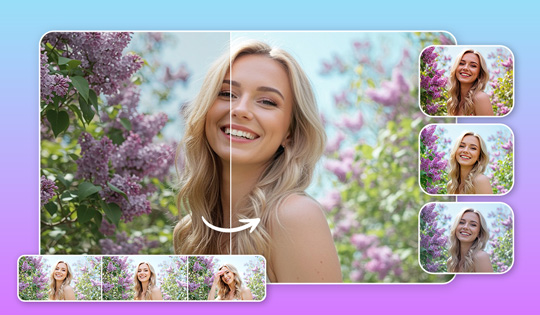
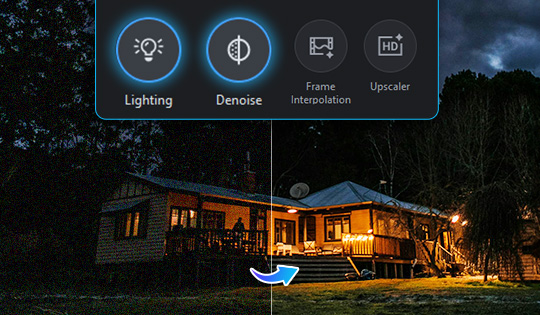
Enhance your videos with the new Lighting control for brightness adjustments and the Denoise control for improved clarity.

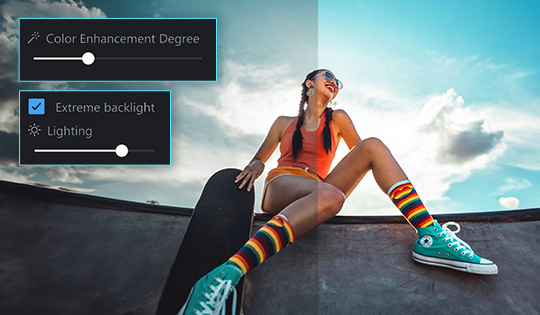
Revamped Color Controls

Make quick edits with one-click color and lighting adjustments, or easily fine-tune with a reorganized interface for a smoother workflow.

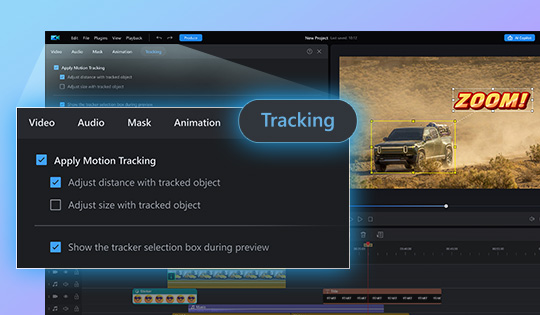
Motion Tracking Quick Editing

Add text or graphics that follow on-screen movements directly in the control panel and in the preview window for a more intuitive and hands-on editing experience.

Enhanced AI Auto Face Blur

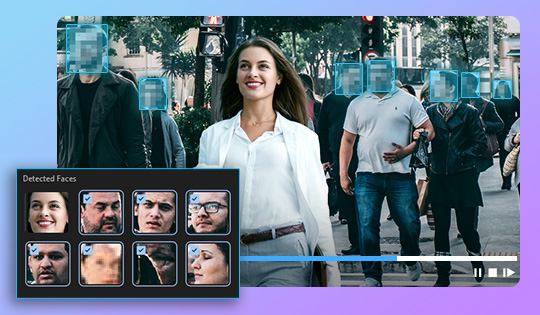
Improved facial detection accurately tracks and blurs faces with pinpoint precision, ensuring anonymity whether subjects are near or far.


On-Trend Content Packs

10 Gaming Motion Titles

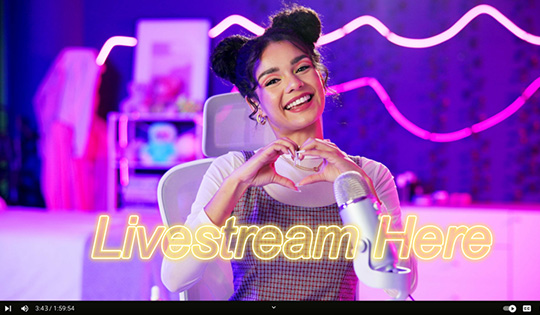
Level up your content with dynamic, gaming-inspired motion titles—perfect for showcasing epic wins and intense gameplay moments!

10 New Japanese YouTube Text Motion Titles

Recreate your favorite Japanese YouTuber's look with these standout motion titles.

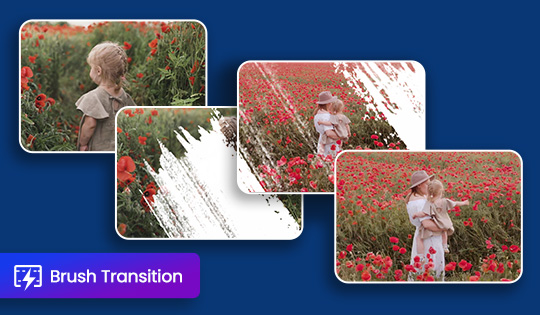
10 New Brush Transitions

Give your edits an artistic touch with stunning brush transitions designed to sweep your audience off their feet!

10 New Blur Transitions

Seamlessly blend scenes with smooth, cinematic blur transitions, adding depth and flow to your edits.
5 New Title Animations

Keep your titles dynamic and lively with 4 in-animations, and 1 out-animation.


New Features

AI Sound Generator for AI Video Generator

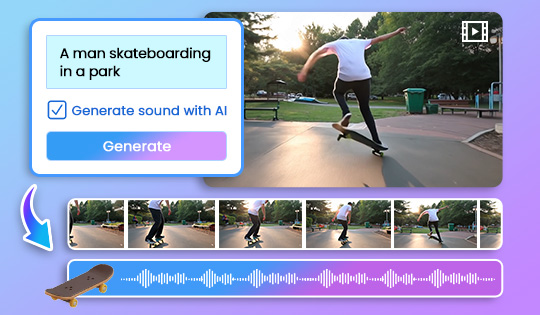
Achieve perfectly synched sound effects with the power of AI. From on-screen movements to immersive environmental sounds, AI will generate high-quality audio tailored to your video generations.

AI Voice Translator

Accurately translate and clone your video's voice into 10 different languages while maintaining natural tone and clarity.

AI Video Generator: Text to Video

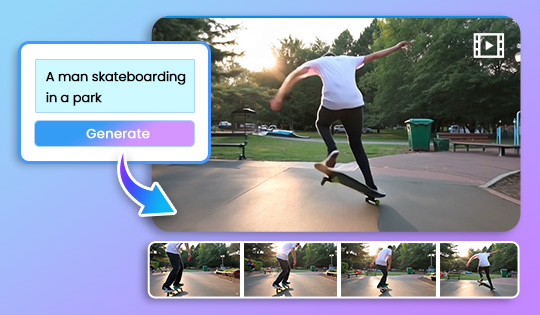
Bring your video ideas to life with a simple text prompt! Instantly generate high-quality videos and save time while creating professional-grade content effortlessly.

New Launcher

Kick-start your projects with a brand-new launcher! Quickly access your projects from the main page and find all AI tools conveniently organized in the AI Toolbox.

3 New AI Video Generator Templates

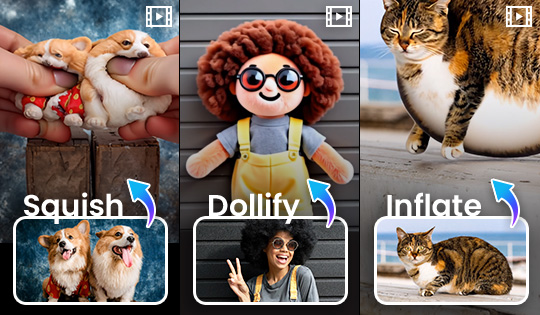
Dollify, squish, and inflate anything or anyone with these new templates. Just add your photo and click to generate.

New Color Adjustment Controls

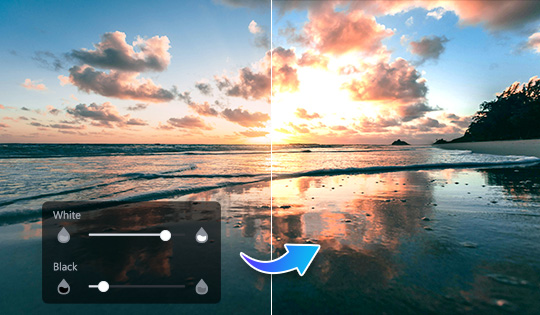
Take complete control over your video's white and black areas. Effortlessly brighten or darken them to achieve your desired aesthetic.


On-Trend Content Packs

10 New Light Transitions

Shine a light on your project with these flashy light effect transitions.

10 New Camera Transitions

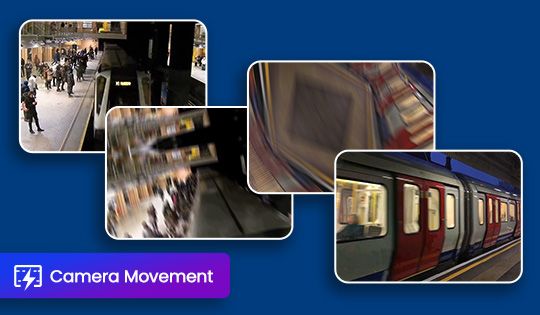
Slide, roll, and blackout into the next scene with transitions that mimic camera movements.
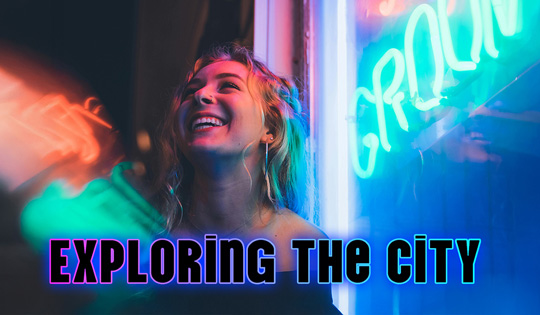
10 New Neon Motion Titles

Make a statement with yet another set of neon titles.
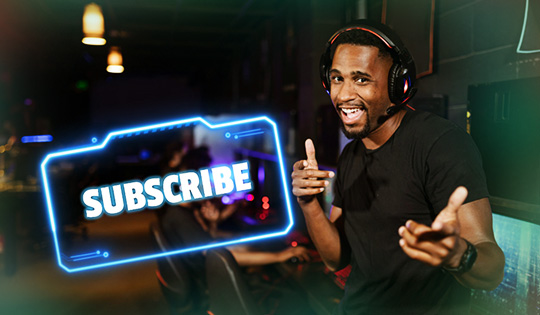
10 Subscribe Motion Titles

Grab attention and grow your audience with 10 bold titles designed to get the viewers to hit that subscribe button.
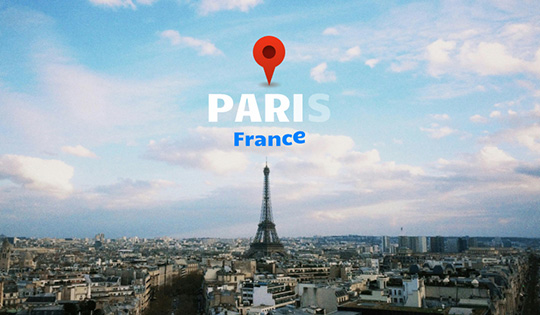
10 Location Tag Motion Titles

Pinpoint your location with 10 new location tag titles.

40 Plain Text Motion Titles

Tell your story with clarity and impact—40 new motion titles designed for clean, simple, and effective messaging.

9 New Title Animations

Animate your videos with 5 in-animations, 2 loop animations, and 2 out-animations.


New Features

AI Image to Video

Effortlessly transform your ideas into stunning videos. Transform any image into a dynamic, professional-quality video using templates or text prompts—perfect for creating standout key visuals.

Enhanced Screen Recording

Utilize dual recording to simultaneously capture on-screen and webcam action, with the option to export as separate clips and adjust video placement in your final project.

On-Device AI Video Editing Effects

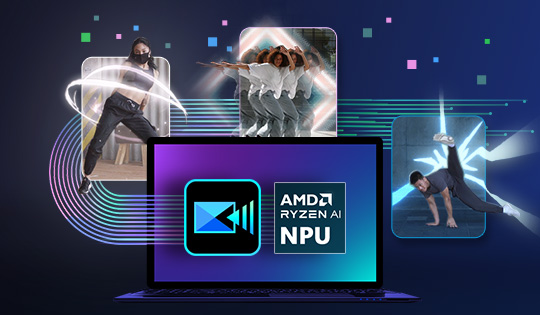
Optimized for AMD Ryzen AI PCs, PowerDirector's AI Body Effects allow users to create stunning dance videos with wraparound body effects and dynamic background.


On-Trend Content Packs

10 Gold Motion Titles

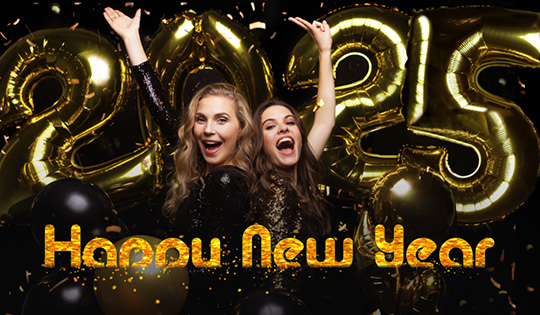
Sparkle and shine in every project with these glamourous motion titles.

10 Stylish Motion Titles

Stun your audience with sleek and stylish motion titles.

3 New Title Animations

Bring your text to life with 2 new in-animations and 1 new out-animation.

5 New Transitions

Flash and blur into the next scene with these new transitions.


New Features

AI Copilot - 2 New Languages!

AI Copilot now supports Chinese and Japanese!

Customize Your Toolbar

Personalize your toolbar by adding or removing tools based on your most frequently used features. These shortcuts bring a whole new level of convenience to your workflow.

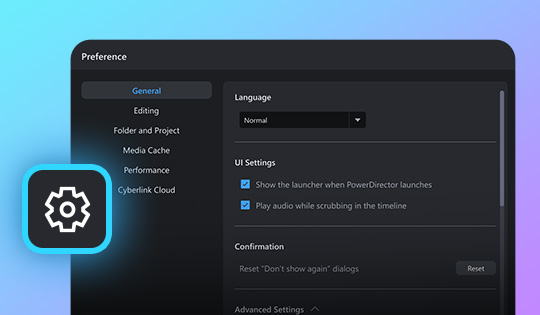
Revamped Preferences Menu

Enjoy a streamlined interface for editing settings and preferences, designed for effortless navigation and quicker adjustments. Edit your way, faster than ever.

On-Trend Content Packs

10 Gold Motion Titles

Add a touch of elegance to every project with our new gold motion titles!

10 Retro Transitions

Add a bold, nostalgic flair to your videos with 10 new transitions, featuring dynamic shapes that make your edits pop!

4 New Title Animations

Add flair to your projects with 3 new in-animations and 1 new loop animation!


New Features

AI Copilot

Enjoy tailor-made video editing guidance from AI Copilot. Access the tools you need instantly, streamlining your workflow and maximizing your video editing productivity.

AI Talking Avatar

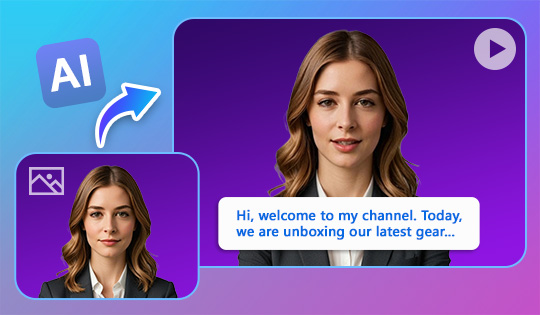
Elevate your videos with captivating avatars that command attention and create meaningful connections with viewers. Turn images into dynamic characters with lifelike voiceovers, delivering your message with credibility and impact.
Enhanced Video Speed Controls

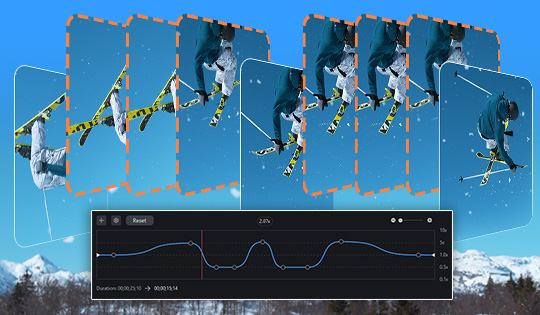
Achieve seamless slow-motion effects with AI-generated frames that ensure smooth, high-quality video playback. Effortlessly customize and create speed presets by adjusting key points directly in the Quick Editing Panel.

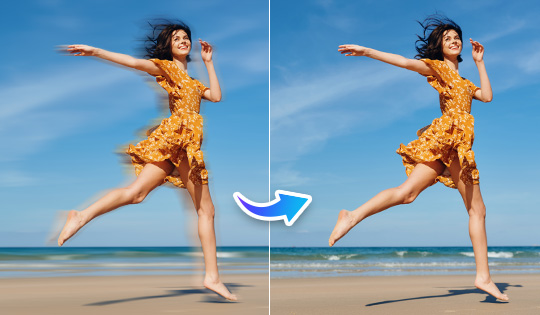
AI Video Enhancement: Frame Interpolation

Alongside the Upscaler feature, you can now leverage Frame Interpolation in AI Video Enhancement. This powerful tool transforms grainy footage into smoother, more detailed scenes by seamlessly adding AI-generated frames.

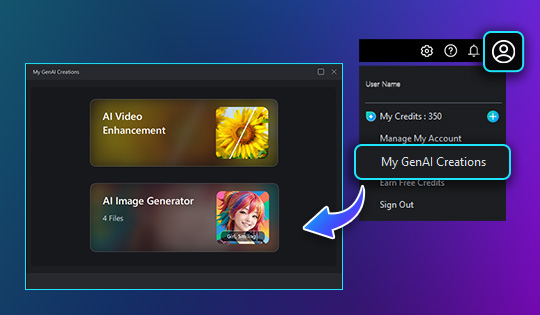
My GenAI Creations

Easily manage all your AI-generated content in one place. Simply click on the ‘Account’ icon, navigate to ‘My GenAI Creations’, and find your AI Video Enhancement and AI Image Generator creations.

Enhanced AI Background Removal

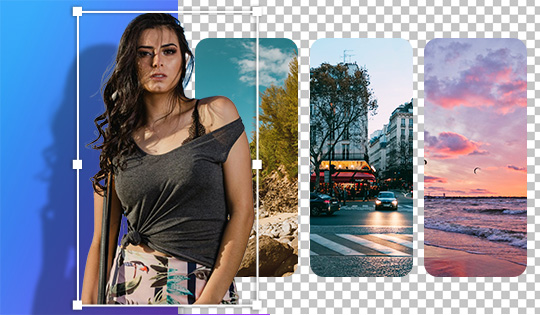
Remove backgrounds with more precision for cleaner cutouts that seamlessly blend your subject with new backdrops, delivering polished, high-quality videos.


On-Trend Content Packs

10 New Dynamic Titles Templates

Bring your story to life with 10 modern and engaging motion titles designed to captivate your audience.