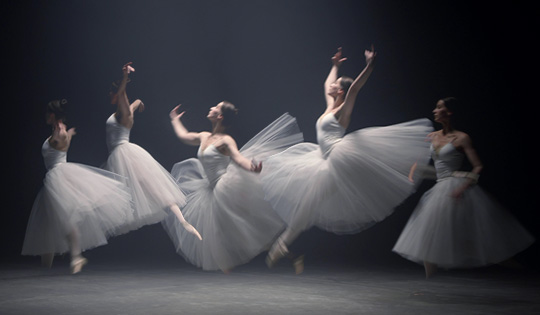
AI Video Frame Interpolation
Produce smoother videos and show greater detail within scenes by exporting up to 240 FPS, opening projects with higher FPS enabled, or updating to a higher FPS setting directly on your preference page.




Powerful Video Editing

Our latest releases including brand new features, effects packs, templates & more!
Produce smoother videos and show greater detail within scenes by exporting up to 240 FPS, opening projects with higher FPS enabled, or updating to a higher FPS setting directly on your preference page.
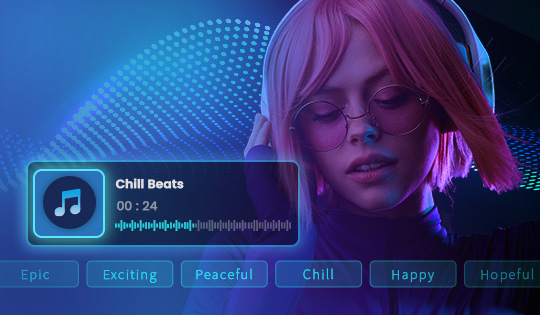
Generate royalty-free, unique background music using genre, mood, theme, tempo, and length customizations—ideal for social media, vlogs, and marketing videos!
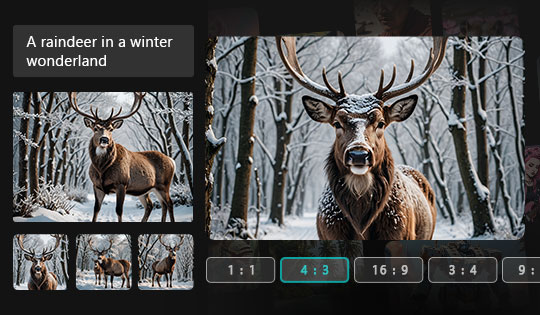
Generate the most realistic AI images you’ve ever seen with even fewer text prompts. Plus, enjoy unmatched detail for faces, hands, and perfectly readable text. Finally, you can now generate images in even more aspect ratios.
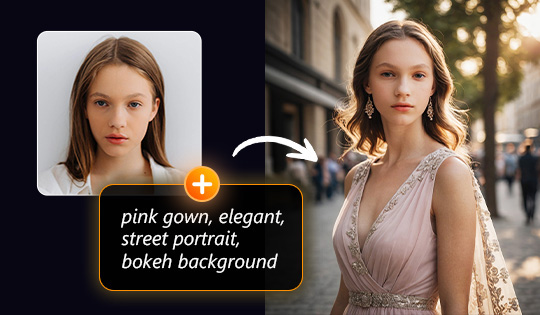
Transform text into visually appealing content. Control text to image generations with face photo references for more accurate and personalized images.
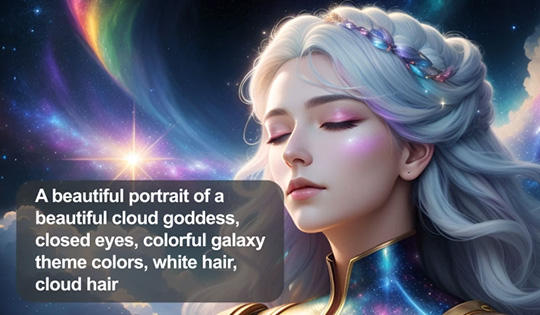
Effortlessly convert images into unique textual descriptions to enhance your text prompt for more creative image generation and spark new inspiration.
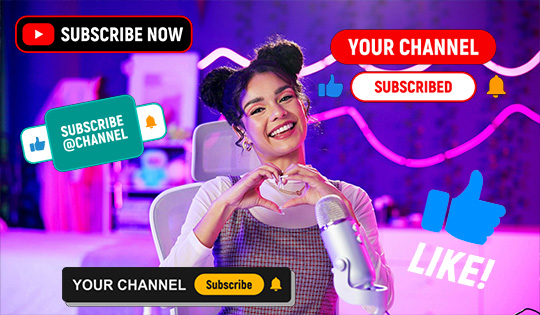
Boost engagement with our new motion graphic titles featuring quirky social media buttons! Easily add animated "Follow," "Subscribe," and "Like" graphics to your videos, perfect for building your online presence with a polished, professional touch.
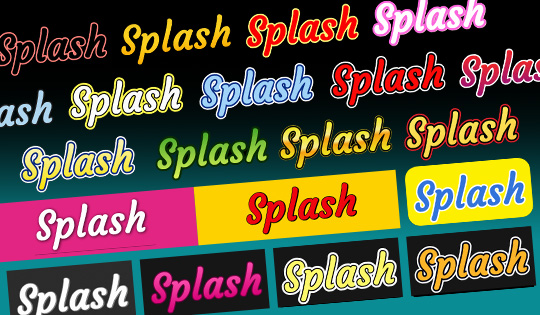
Unleash creativity with 20 brand-new title presets! Designed for versatility, these presets let you easily add stylish text to any video, from intros and credits to highlights and social media captions.
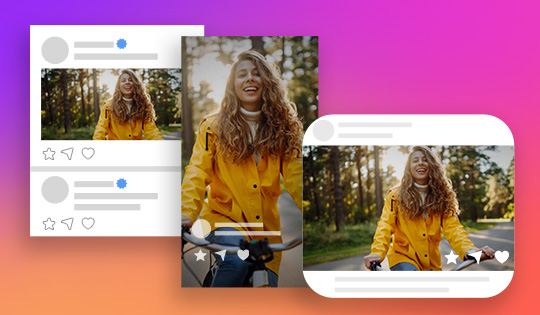
Bring a fresh, modern feel to your edits with our new social media-inspired transitions! These transitions add a polished, trending look to keep your content engaging and visually cohesive.
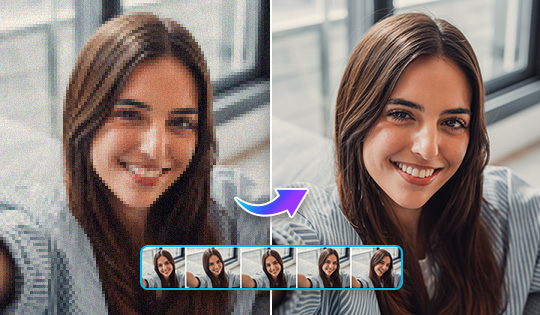
Upscale and enhance your video quality with one click through the power of AI.

Access and organize your favorite sounds in the new Audio Room – just hit the 'Audio' button in the main menu to get started.

Spice up your promotions with 30 all new Super Sale titles that are certain to drive up your numbers.
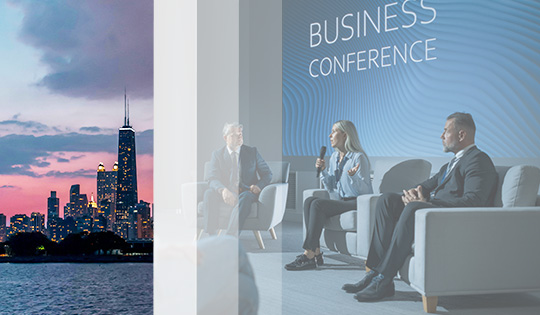
Create a smooth viewing experience for your viewers with the new 10 simple yet elegant Slide transitions.
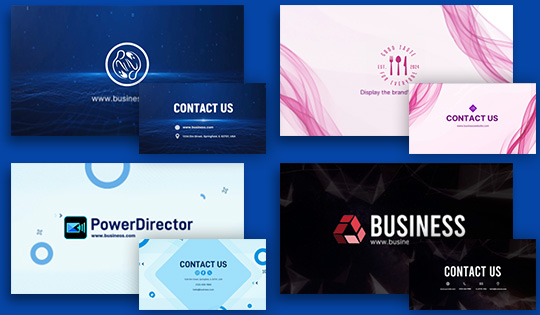
Get a head start on your video branding with 10 professionally designed brand templates.

Set your engagement numbers on fire with 10 all-new Fire title styles.
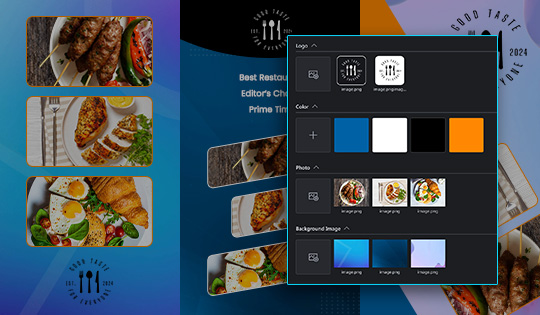
Create your very own brand kits by managing assets, colors, and designs in your video content - ensuring your brand stays consistent & memorable.
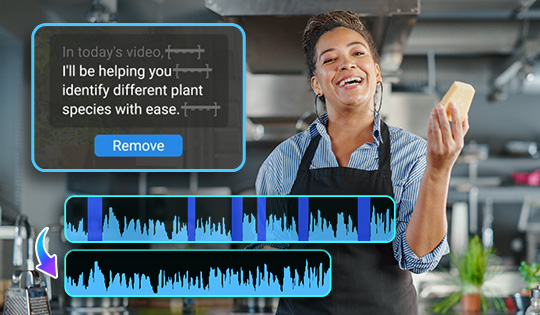
Edit out unneeded words, stops, and stutters in speech through text, making for a smooth viewing experience - no editing prowess required.
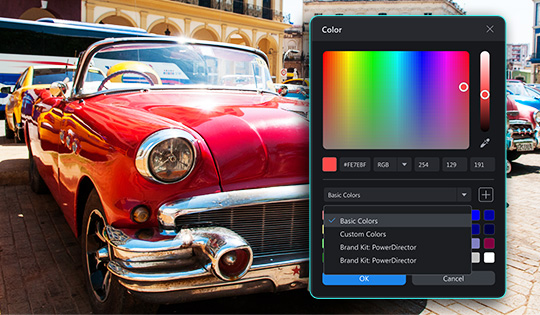
Add, manage, and customize your most commonly used colors with the new and improved Color Picker - use with the all-new brand kit to create consistent, attractive branding.
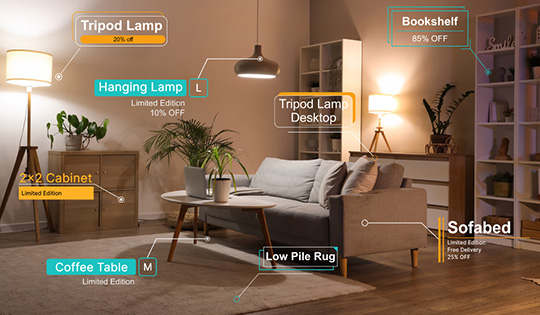
Create engaging call-outs for your products, features, and more with the all-new Call Out Titles pack. Find them under the Titles tab.
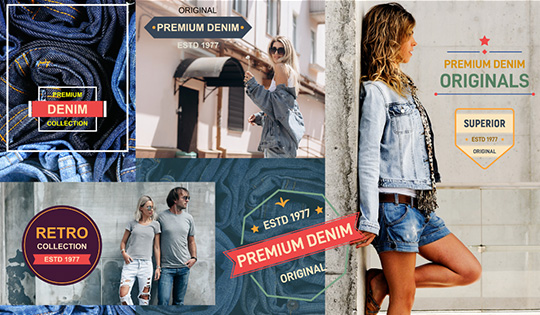
Give your viewers a blast from the past with the all new Retro Titles pack, available in the Titles tab.
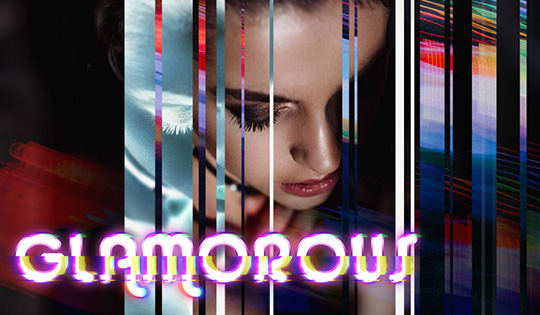
Add the all new Glitch titles to your videos to add some pixel flair to your videos - try them out by hitting the Titles tab.

Make your vlogging content pop with the all-new Vlogger filters, purposefully created for vloggers. Try it out under Effects > Filters & LUTs.
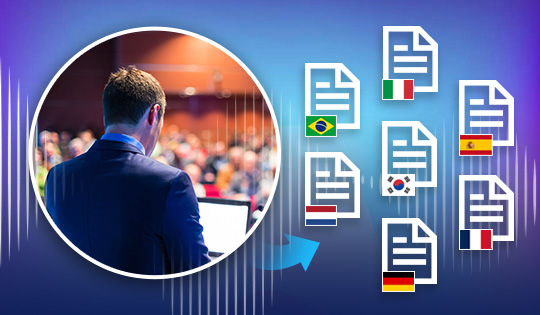
Speakers of German, French, Korean, Spanish, Italian, Brazilian Portuguese, and Dutch rejoice! These 7 new languages are now supported by our smart AI speech-to-text generation feature.

Immerse your audience with our 20 new Shape transitions, that are sure to create a silky smooth viewing experience for your content. Find them under the Transitions tab.
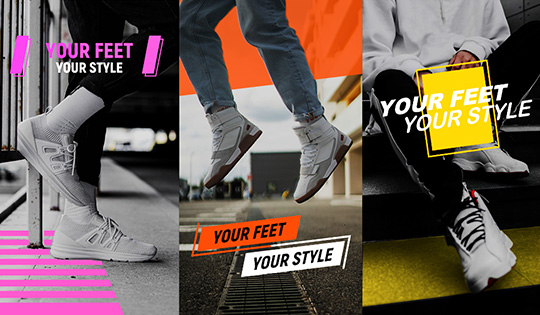
Modernize your video with 20 new professional Modern titles, ensuring a consistent feel throughout your video. Find them under the Titles tab.
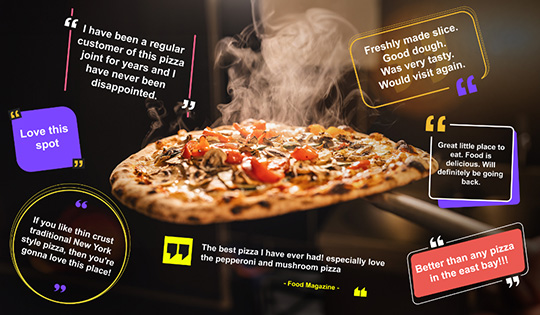
Inserting quotes into your content has never been this seamless - 20 Quote title templates await in a variety of elegant, thought-out styles that are sure to catch the eyes of your viewers. Find them under the Titles tab.
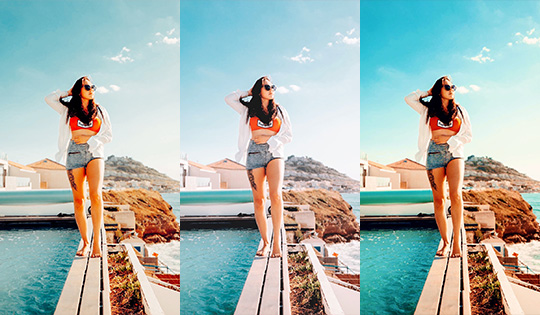
Give your videos a cinematic vibe with 5 new professionally designed movie-style filters. Find them under the Effects tab.
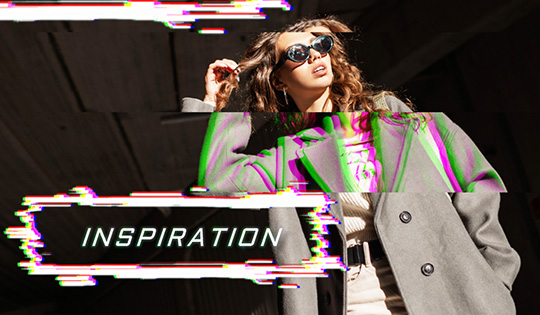
20 all-new Glitch titles add an electrifying flare to your content - a perfect match for esports streams, movie effects, or scroll-stopping marketing content. Find them under the Titles tab.
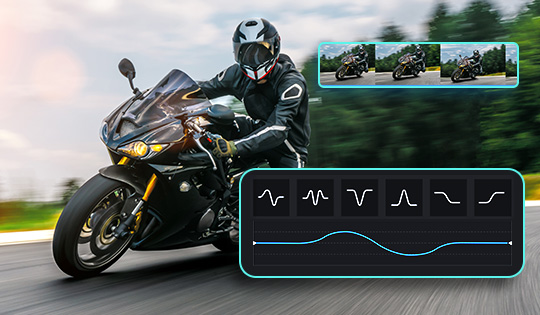
It’s never been easier to create speed-adjusted video content, with presets now available within PowerDirector. Try them by selecting the ‘Video Speed’ option in the ‘Tools’ menu.

Light up your content with eight all-new transitions that are certain to get the attention of your viewers. Find them under the 'Transitions' tab.
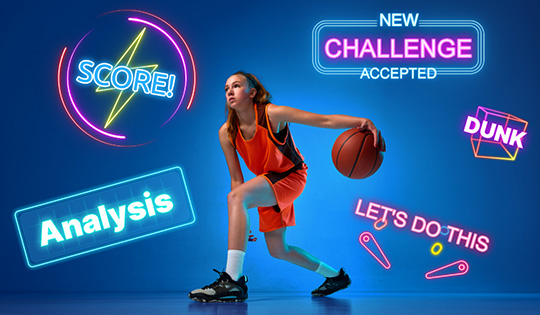
You spoke and we listened. Following the popularity of the Neon title templates, we’ve created 10 more stylized Neon templates so you can take your video to the next level. Find them under the ‘Titles’ tab.
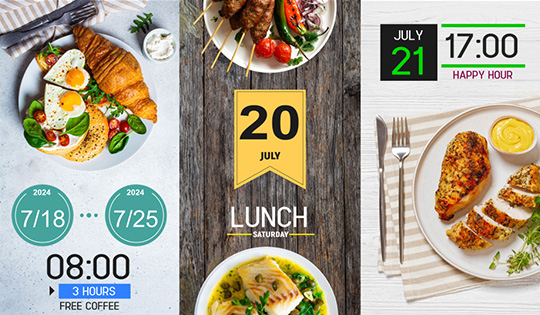
Revamp your date and time styling with 12 new templates – simply head to the ‘Titles’ tab to get started.
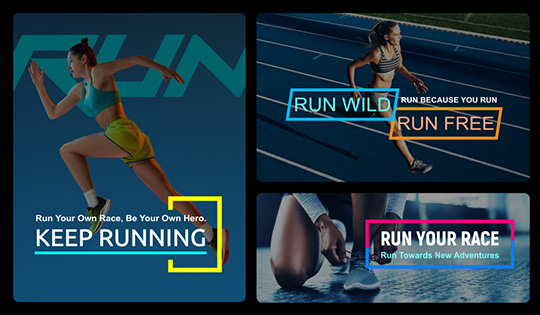
Give your titles a splash of color with 12 stylish new Colorful templates. Find them under the ‘Titles’ tab.
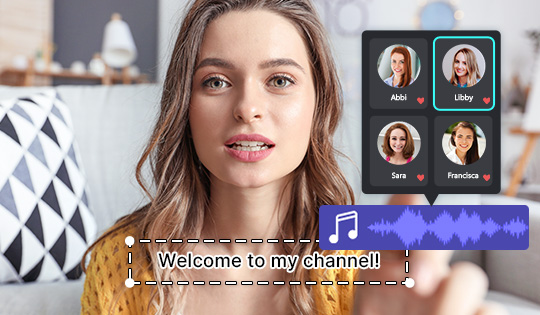
Easily access your favorite AI Text to Speech audio profiles any time. Just tap the heart next to your favorite profiles to add them to your favorites for a more streamlined workflow.

Experience a redesigned interface for PiP Designer and Mask Designer, making it easier than ever to maximize these features.
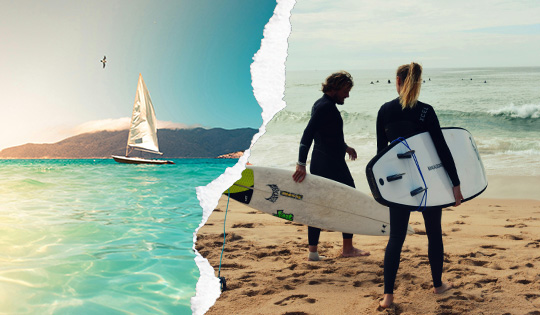
Amplify the impact of your content with 15 all new Dynamic transitions – ensuring your viewers are never bored. Find these exciting new additions in the ‘Transitions’ tab.
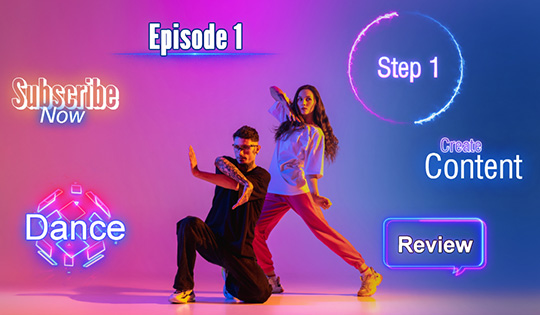
Engage your viewers with 8 new Neon title effects. These new Neon titles can be found under the ‘Titles’ tab.
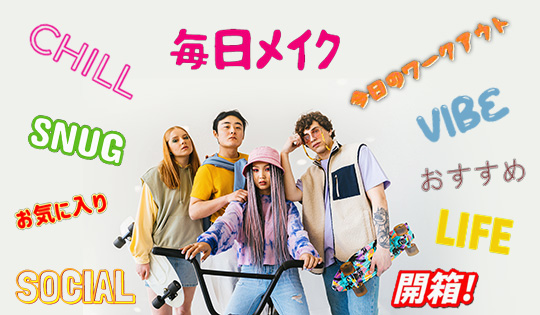
Who said the everyday needed to be boring? 20 all-new, tastefully designed Daily titles await – simply hit the ‘Titles’ tab to find them.
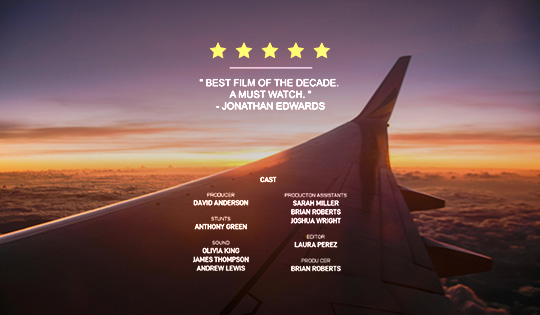
Close out your videos in style with 10 brand new title templates, purposefully designed for you to create your very own end credits. Find these new templates under the Titles tab.
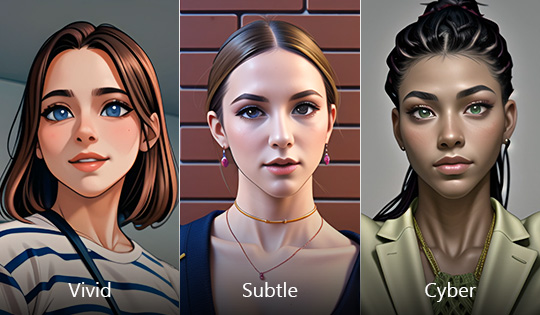
Ever wanted to become your very own anime character? These three new styles make it easier than ever to find your very own anime style. Just hit the Media tab, then Anime Video Generator, to get started.
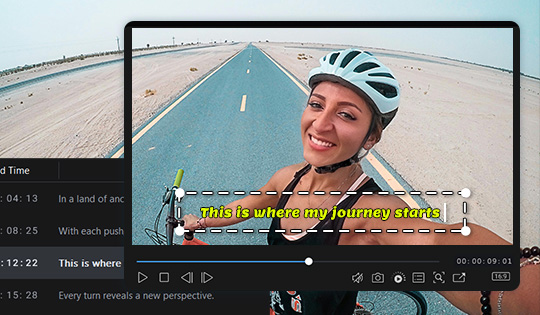
Edit text and adjust the position of your subtitles right in the preview window for a smoother editing experience.

Create and edit titles more effectively in a totally redesigned Advanced Title Editing window, with a cleaner interface layout for an improved user experience.
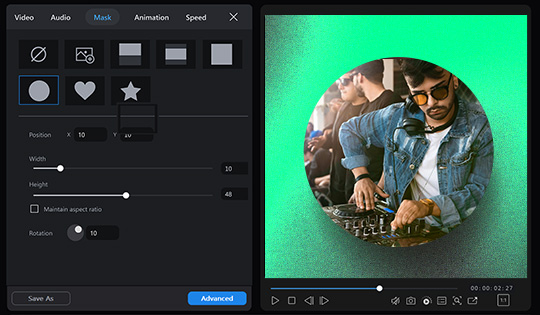
Make quick edits to your masks directly in the control panel and in the preview window for a more intuitive and hands-on editing experience.
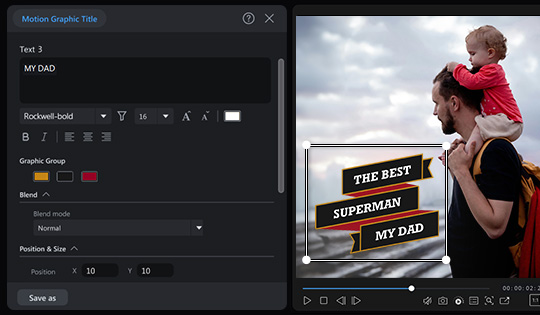
Enjoy a larger text area and now change font size and alignment for more control when editing your motion graphic titles.
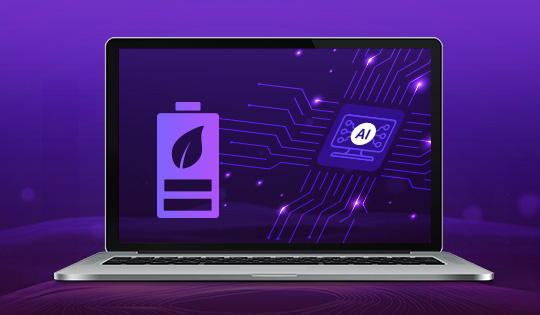
Intel's latest OpenVINO™️ toolkit with Neural Processing Unit (NPU) support for AI PCs enhances performance and optimizes power usage. Save up to 50% more power, extend battery life, and ensure that AI processing is best tailored to your hardware capabilities.

Protect your privacy in style with three new AI Face Blur effects - find these under ‘Face Blur’ in the ‘Effects’ tab.
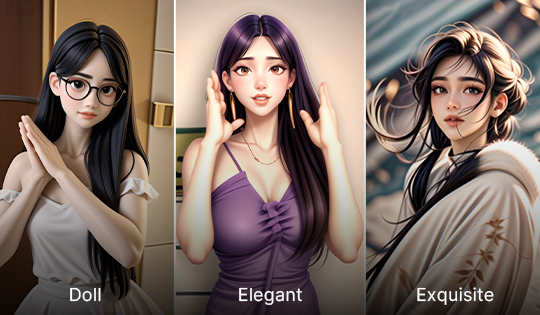
Customize and create your anime vibe with more choice than ever before using our three latest anime styles.
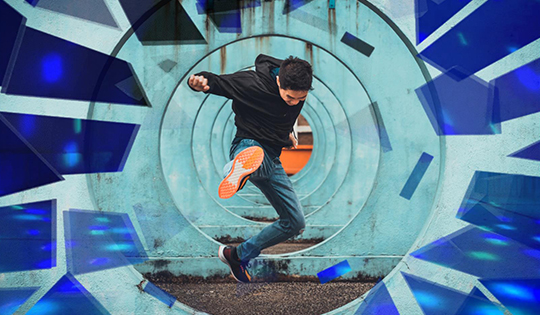
Immerse your audience with 20 all-new transition effects, making for a buttery-smooth viewing experience. Find these new transitions under the 'Effects' category under the 'Transitions' tab.
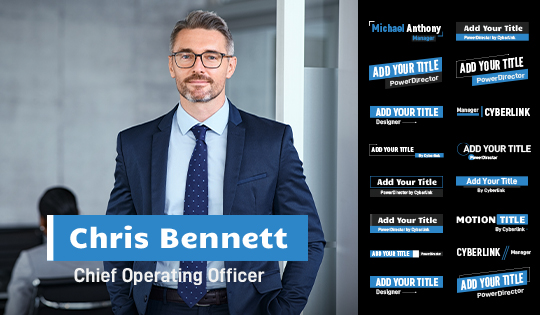
Communicate your brand's identity the way you want with the 15 new Corporate Video title templates that await you in the latest update. To get into these professional new templates, open up the 'Titles' tab, then open up the 'Promotion' category to get creating.
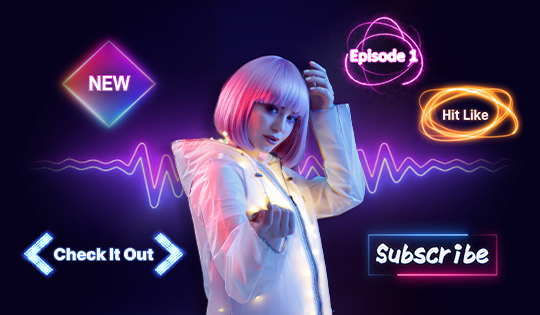
Light up your titles with engaging new title templates that are bound to steal the attention of your audience. Find the electrifying 10 new Neon templates by heading to the Titles tab, then opening the new 'Neon' category.

Market your products with ease using the newest eye-catching promotional sticker pack. Get selling by heading to the 'Overlays' tab, then hit 'Stickers' followed by the 'Promotion' category to see these 70 new promotional stickers.

Market your brand with 20 new Corporate Callout title templates that have been added in our newest update. Simply head to the 'Titles' tab and hit the 'Promotion' category to start your marketing initiative.
PowerDirector features 260+ voices in multiple languages, genders, speaking styles, and emotions. Generate realistic voice overs in one click that will engage and connect with your audience. Perfect for vloggers, podcasters, film editors, and teachers.

A simplified and reorganized user interface for media exporting makes it easier to select your output options, file formats, and more. Detailed control now available under the “Advanced” button on the “Export” screen.
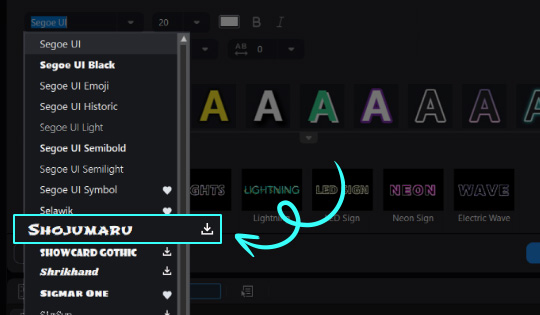
Maintain a smooth project workflow with 700+ fonts available directly within the software. No need to download premium fonts outside the app.
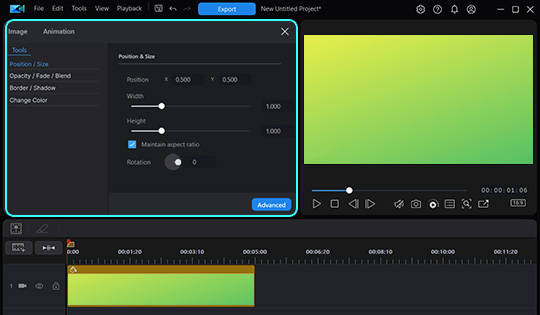
Make quick edits to your color backgrounds directly in the control panel for a faster and more streamlined editing experience. In the ‘Media’ tab, drag and drop a color board to your timeline, and double click on it to open the quick editing options.
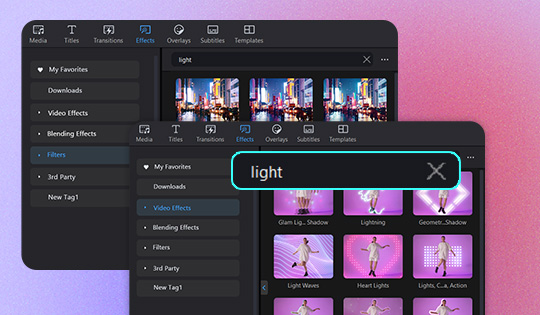
Search hundreds of effects by keyword to quickly locate the one you’re looking for, all within three reorganized main categories: Video Effects, Blending Effects, and Filters.
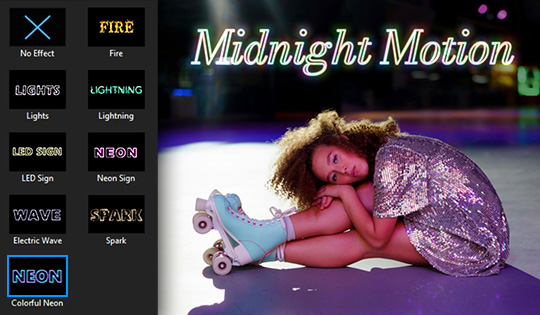
Choose 10 different variations of the new ‘Colorful Neon’ and ‘Spark’ special effects for eye-catching titles with just the right intensity and style you desire. Double click a title on your timeline, select ‘Advanced’, and find them in ‘Special Effects’ under the ‘Object’ tab. Then choose your desired variation from the ‘Looks’ drop-down menu.
Imbue your projects with creative majesty that will turn heads with three new styles to transform videos into anime cartoons.
Add five new unique mosaic face blur effects for stylistic effect or to preserve anonymity. Find them under ‘Face Blur’ in the ‘Effects’ tab.
Delight your viewers with 10 sparkling and glittery animated titles, including Glimmer, Fairy Tale, Spark, Love Story, and more! Find them under ‘Stylize’ in the ‘Titles’ tab.

Add 45 bold new animated stickers for sales so your viewers won’t be able to miss any of your promotions, recommendations, or new offerings. Find them under ‘Business’ in the ‘Overlays’ tab.

Create 10 new title styles optimized to grab customers’ attention for sales, new releases, special offers, and more. Find them under ‘Business’ in the ‘Titles’ tab.
Engage your audience using our 11 new professional quality camera transitions, including Blink, Camcorder, Flash Light and more! Find them under ‘Camera’ in the ‘Transitions’ tab.

For perfect sizing, fine tune the edge of your cut-out selection with sliders to adjust thickness, feather, and blur to ensure a natural look.
Auto detect, selectively apply, and modify Mosaic and Gaussian blur effects to multiple faces in your video frames to maintain privacy and anonymity. Find the effects in the ‘Effects’ tab under ‘Face Blur’.

New optimized portrait (9:16) preview window for larger playback viewing area when editing videos. Perfect for mobile phone videos and the ideal editing experience for TikTok videos, Instagram Reels, and YouTube Shorts.

Upgrade your narrations or maintain privacy with 8 new voice effects to change your voice to sound like an astronaut, robot, public service announcement and more.
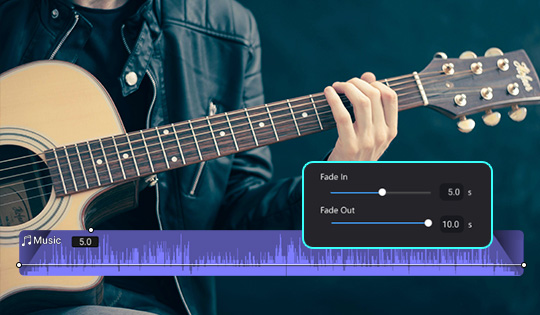
Applying volume fade ins/outs can be tricky using manual keyframes. Now auto apply audio fades with convenient sliders for easy volume edits.
Add 30 new eye-catching motion graphic titles to promote your sales and special offers. Find them in 'Business' within the 'Titles' tab.
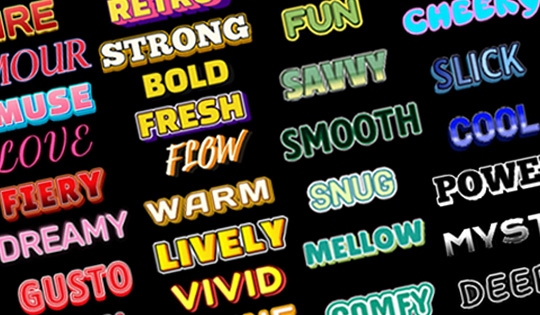
Never run out of expressive energy in your videos with 90 new static titles in extraordinarily unique styles in green, blue, yellow, red, and black. Find them in the 'Colorful' category within the 'Titles' tab.
Keep your videos dynamic and lively by adding five brand new eye-catching motion and blurring effects, including Bump, Jolt, Edge Blur, and more. Find them under 'Style Effect' in the 'Effects' tab.
Easily transform videos into anime cartoons. Select from multiple contemporary animation styles.
Transform text into visually striking images reminiscent of extraordinary fantasy design.
Elevate your projects with awe-inspiring cinematic backgrounds.
Make your titles grow, surge, and ripple with brand-new loop effects!

Access 9K+ new music tracks from the acclaimed Getty Images Music stock library (Soundstripe). Filter by mood, characteristic, or genre to instantly find the perfect music track to fulfill your creative vision and connect with your viewers, whether it’s with calm acoustic, fun electronic, hopeful corporate, or any other combination of music genres you can think of.
Five brand new immersive motion effects for your video projects, including Ripple, Shake, and Spiral Spin. Find them in 'What's New' under 'Style Effect' in the 'Effects' tab.
Transform text into visually striking portraits tailored to either a romantic or ink-inspired aesthetic.
A selection of dynamic transitions in the style of different mosaics.

Funky and feel good grooves fill this pack.
