





The Best AI Street Photography App That Creates Unique Portraits
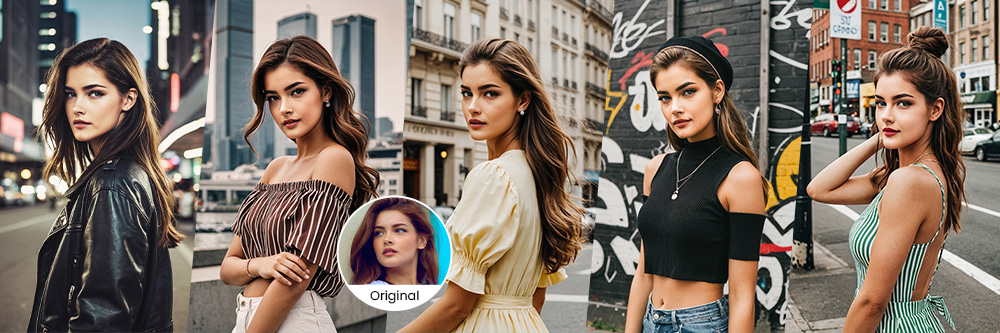
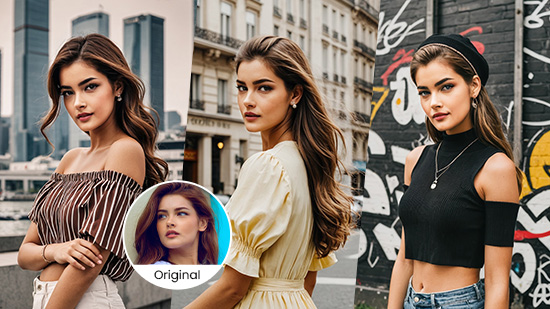
Street photography combines the ordinary with imagination, letting you use the world around you to create artistic shots. With AI, you push the limits of what you can capture in real life. It helps you try different ways to take natural photos, even if you're not the one taking the picture.
This photography style incorporates different elements like minimalism and color choices, and photographers can use it in various locations. MyEdit’s features let you explore any take on street photography you want. We’ll show you how to experiment with all its styles and create your own AI street photography in just a few taps!
- What Is AI Street Photography?
- The Best AI Street Photography App
- How To Generate AI Street Photography With MyEdit App
- Discover Other AI Features That Transform Street Photography
- FAQs About AI Street Photography
What Is AI Street Photography?
AI street photography uses lifestyle looks, filters, and machine learning to mimic the street photography style. Street photography gives you a fresh view of familiar places, and with AI, you can discover new locations beyond your reach. You can try different AI effects to match your vision, change your style and city, and create a whole new aesthetic.
The Best AI Street Photography App
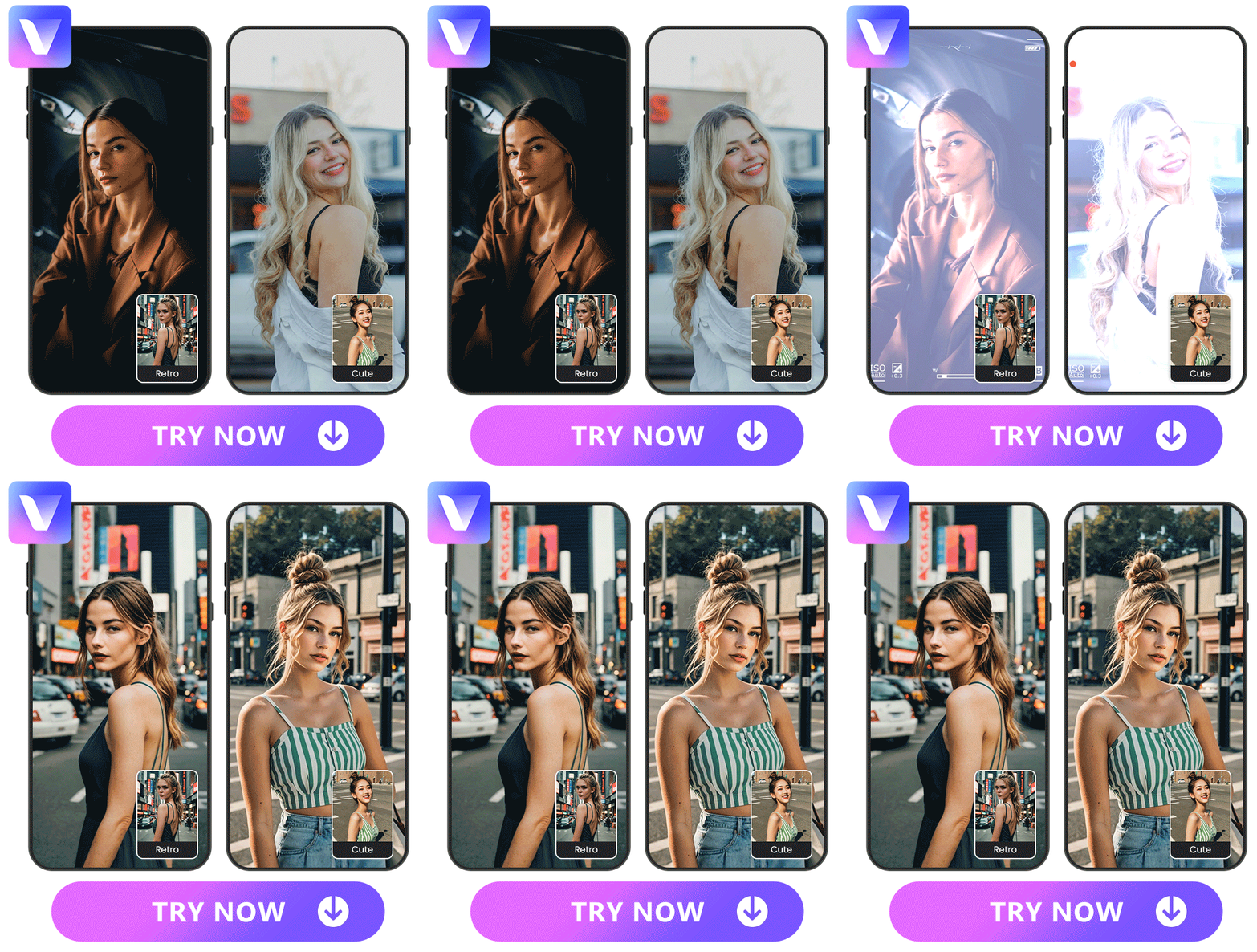
Visit any street from NYC to Tokyo with MyEdit’s AI Photography feature! The AI street photography app has tons of styles to try, so you can generate realistic street photography portraits using your own images.
With other features, like AI Scene, AI Background, and AI Sky, you can refine your backgrounds to make you feel like you’ve traveled the world without leaving your home city. Since MyEdit is free for iOS and Android, you can create beautiful street photography from any device!
How To Generate AI Street Photography With MyEdit App
1. Download MyEdit and Tap “AI Photography”
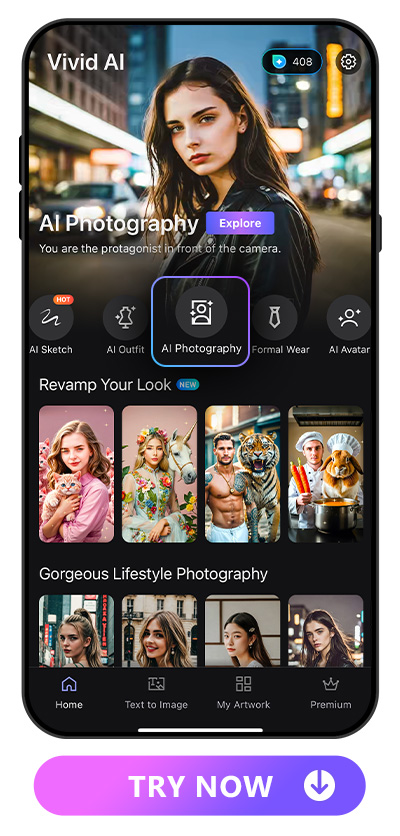
You can download MyEdit in one tap from and Google Play or the App Store. Both versions have the same features to explore, so you can always access what you need for stunning AI street photography. Once you have the app, open it and choose the AI Photography feature from the main screen.
2. Choose a Photo of Yourself
Before you can see yourself in street photography style, you’ll need to choose a portrait of yourself for MyEdit to transform. Make sure you choose a clear, high-quality photo, so the app can recreate it and apply your background and fashion accurately.
You need clear facial details, so avoid any hats, sunglasses, or other face coverings. Don’t use blurry images or photos with exaggerated facial expressions, since both can make it difficult for the app to create the best possible street photo.
3. Select a Style and Adjust the Effect
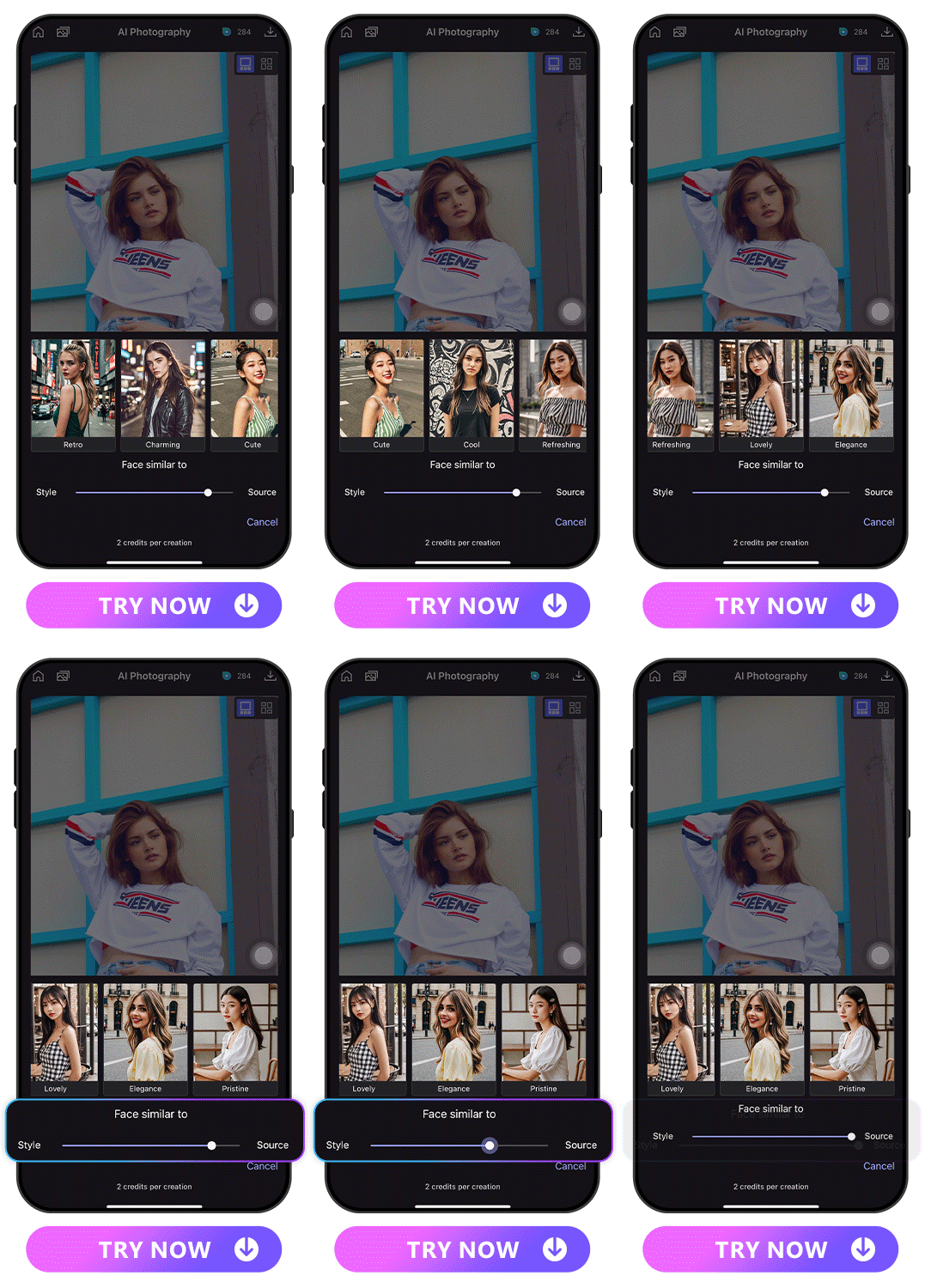
Try 8 unique street backgrounds with the AI Photography feature to see which one suits your vibe the best. Each one has a different look for a unique city aesthetic, and you can refine both the source photo and the style if they’re not quite what you want. Just type in your prompt with the details you want to change, and MyEdit will make it happen!
4. Wait for the Magic!
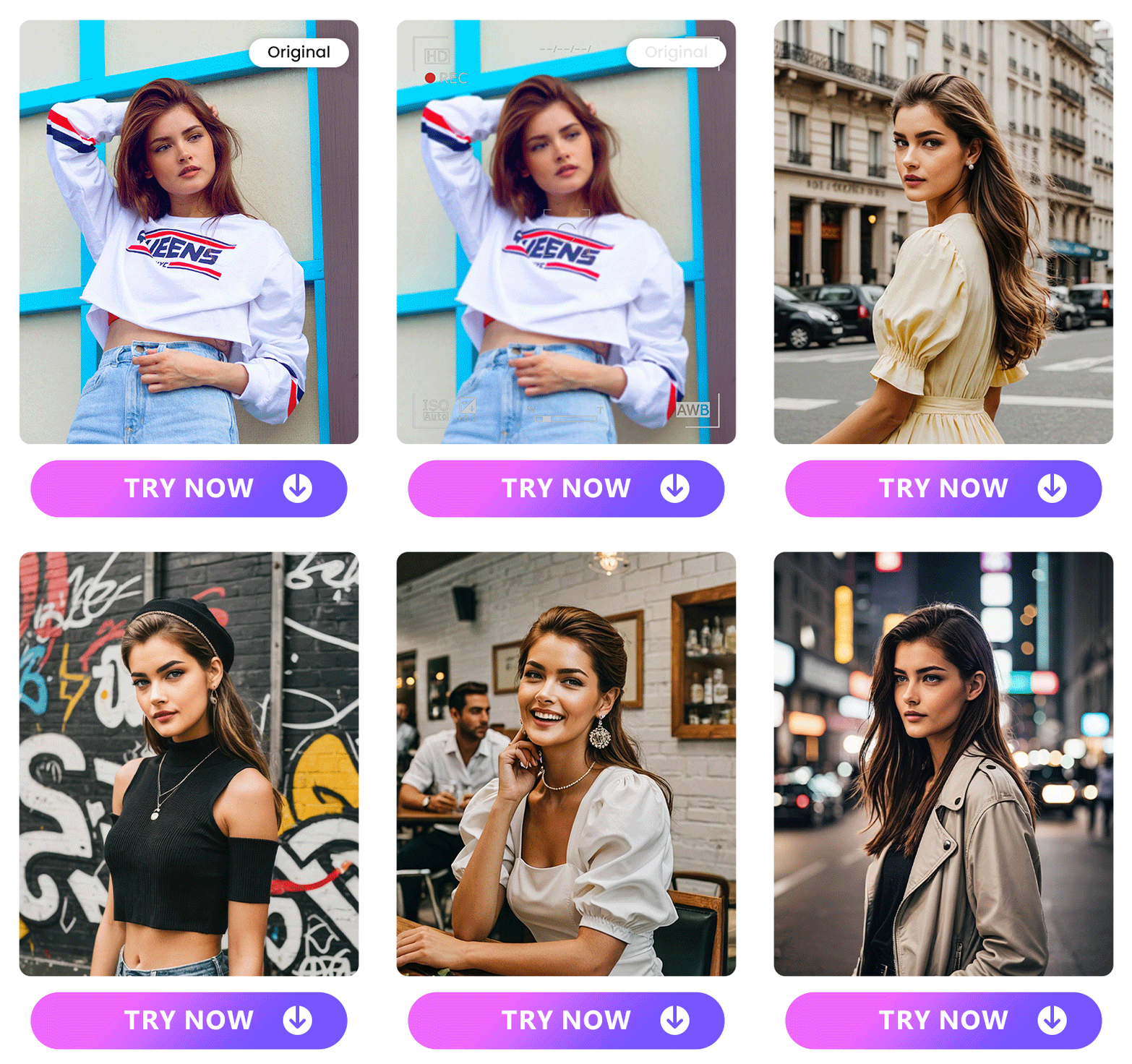
Tap to continue and wait for MyEdit to create your new street photo! You can save the result to your device or share it straight to your favorite platform from MyEdit. Just tap the icon for where you want to send it and show everyone a picture of you in your favorite city.
Discover Other AI Features That Transform Street Photography
MyEdit does a lot more than generate street photography. You can use its other features to fine tune your AI Photography results or create something completely new. Try these tools to customize your portraits!
AI Scene
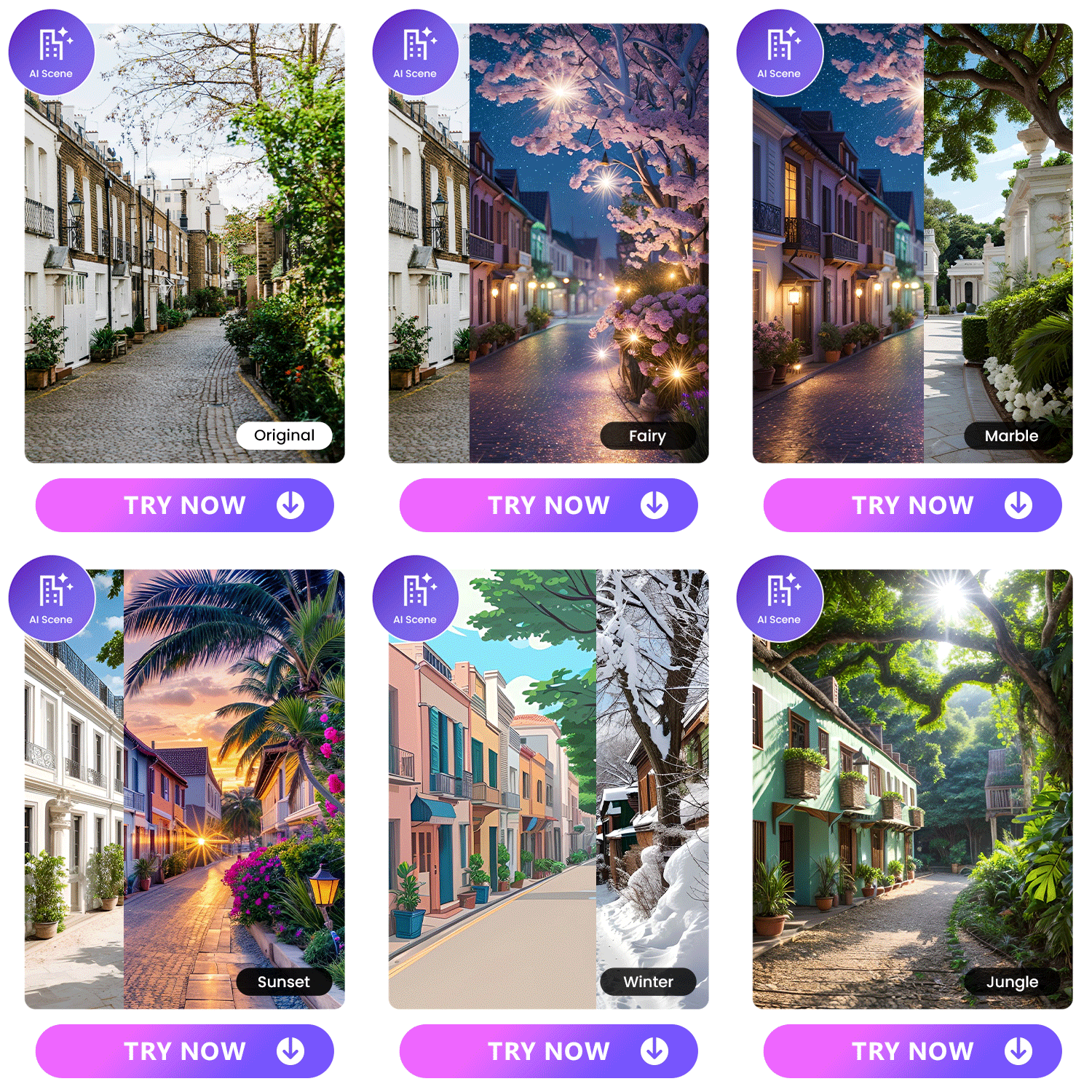
With this feature, you can try lots of preset looks for any street scene or prompt the app for one of your own. When you customize it, you can see different versions of the same style! That way, instead of showing you in the same preset scene as other people using the app, you put your own unique spin on the street you’re in.
If you’re in the photo, AI Scene will match your fashion to the design. Depending on your background, you can get anything from a white t-shirt and leather jacket to a simple, comfy tank top.
Learn More AI Scene of MyEdit:
- Explore the 5 Best AI Interior Design Apps to Revolutionize Spaces
- The Best AI Interior App to Generate Scandinavian Decor Design Idea in 2023
- 16 Best Home Decor Ideas For a Stylish and Cozy Living Space
- 10 Best Finished Basement Ideas You'll Absolutely Adore
AI Background
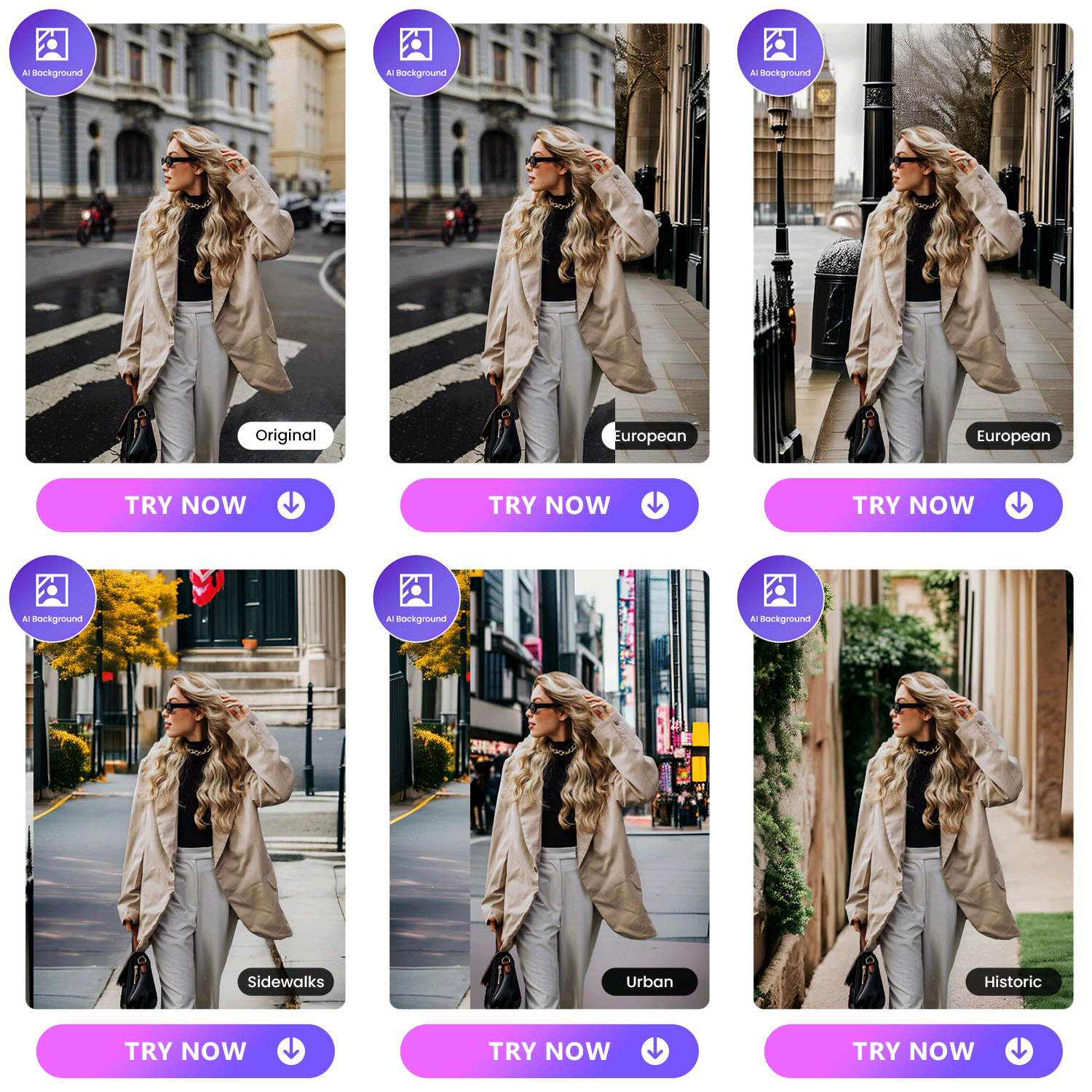
With over 20 preset background styles to choose from, you can change the vibe of your street photography in seconds. AI Background also lets you generate a custom scene, so you can describe your city and any specific details you want to see around you. It creates a seamless and realistic backdrop with a variety of options, including fireworks, a cloudy sky, and city streets.
Learn More AI Background of MyEdit:
- 8 Best Free AI Background Changer Apps in 2023
- The Best AI Wallpaper Maker to Personalize Your Device with Magic
- 10 Best Background Makers to Create Unique Background in Seconds
- 10 Best Background Picture Creators. Get Unique Backgrounds in Seconds
AI Sky
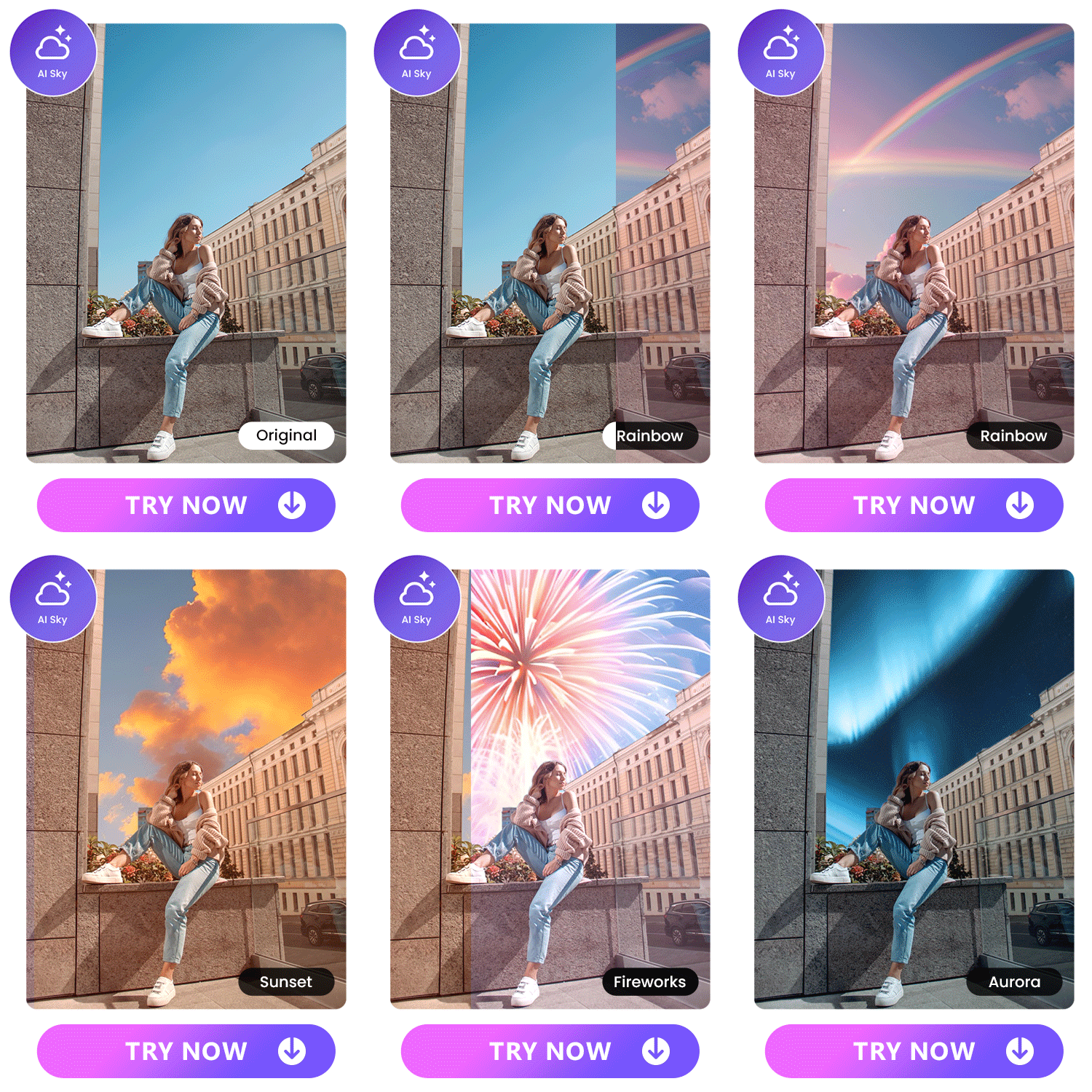
When you love the street, but the sky throws off the vibe of your photography, the AI Sky feature lets you change it while keeping the rest of your background intact. It automatically detects and removes the sky area and replaces it with the sky style you choose. You can try any of MyEdit’s preset looks or type in a prompt of your own, so your sky matches your street photography mood.
FAQs About AI Street Photography
With MyEdit, it only takes one click to get a new background on your street photo. The app comes with lots of background features, including AI Scene to change your entire landscape, AI Background to transport you to any street, and AI Sky to replace only the sky.
MyEdit has an AI Photography feature that transforms your portrait photos into street photography style. Add a picture of yourself and choose from MyEdit’s many photo styles to get a clear, realistic image.
You can use MyEdit and its AI image editing features to generate a new street photo or change your background. Follow these steps to begin:
- Download MyEdit and go to AI Photography.
- Select a photo of yourself.
- Choose your street photography style and adjust it with text prompts.
- Wait for MyEdit to generate your street photography image!
MyEdit has lots of tools for generating and refining AI street photos. With the AI Photography feature, you can choose a style and use a photo of yourself to create one from scratch in any city or interior style you want. With the AI Scene tool, you can match your style to your background, or change your entire backdrop with the AI Background tool. And, if you only want to switch up the sky, the AI Sky feature does it for you. Download MyEdit for free to see how it can transform your portrait photos into AI street photography!


